While the support structures can be defined in different ways, there are a number of basic settings, which determine the behavior of the module itself:
Please note that in order to use the attached support structures in the default module, you need to use the Apply Support button. This will enable you to use the support structures for manufacturing or export the project into another file.
In some cases the support structures can be provided as non-closed entities (for example with holes). That is intentional please do not repair them.
You can enable a warning whenever you are trying to delete all support structures at once. This can happen fairly easy with a wrong click and you don’t have limitless undoing functionality in Netfabb, there for it is recommended to activate that warning. You can do that under the settings for the support module and toggle ask on deletion of all support to yes.
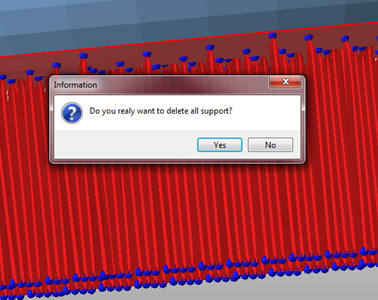
Enabling this warning can save you a lot of time and nerves.