Using the Connect command
There may be occasions when assets with defined connectors exist in a factory layout but are not connected. The connectors on these assets are said to be
unconsumed. An example of several assets with unconsumed connectors is shown below. You can both display and connect unconsumed connectors together using the
Connect command.
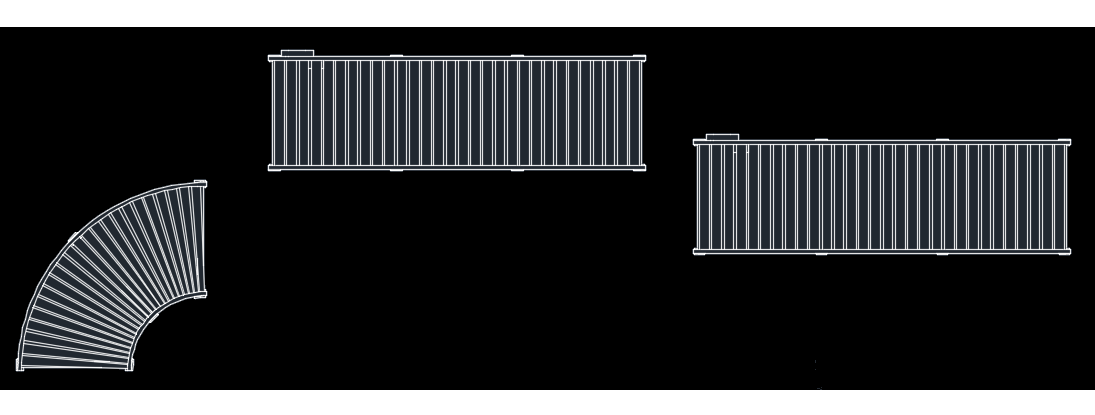
- Click
Factory tab
 Utilities panel
Connect
Utilities panel
Connect
 . This action displays all unconsumed connectors (appearing as green dots) in the layout.
Tip: To assign custom colors to your connectors, follow the instructions in Defining Connector Points.
. This action displays all unconsumed connectors (appearing as green dots) in the layout.
Tip: To assign custom colors to your connectors, follow the instructions in Defining Connector Points.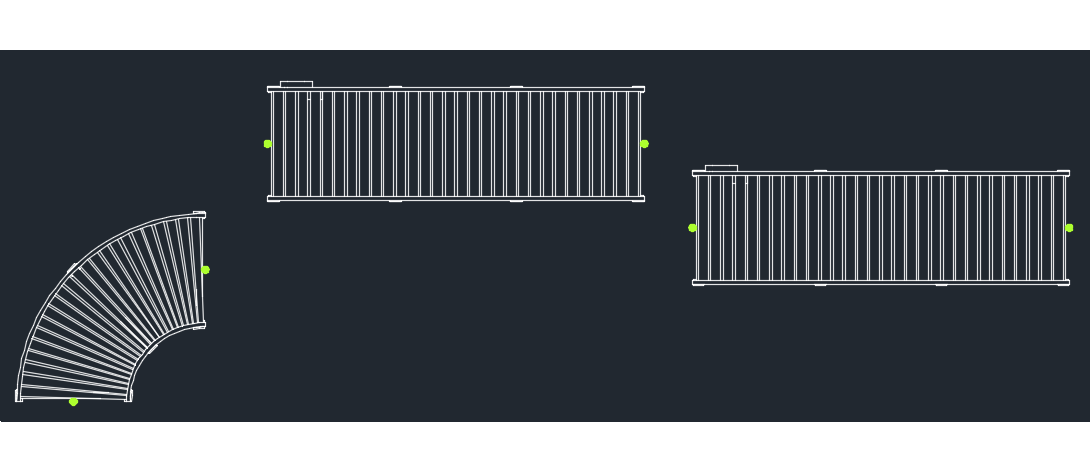
- Select the first connector on the asset you wish to connect. The connector dot is now attached to your cursor.
- Next, move your cursor with the attached asset in close proximity to the asset connector with which you wish to connect.
- Click to connect the two assets.
Connected assets move together as one component. If you wish to move them separately from one another, simply click
Factory tab
Utilities panel
Connectors Disabled
 .
.
Tip: An additional way to disable connectors is to deactivate the
Snap to Connector during placement and repositioning check box on the
Factory Assets tab in the
Options dialog box. You can also toggle this setting on/off from the command line using the
FACT_CSNAP command. For more information, see the AutoCAD Factory Help topic:
Factory Asset Options.