Simplify Assets by Saving as Mesh or Shrinkwrap
Selecting the Simplify option when publishing an asset or converting a model to an asset can improve performance. It can also simplify file management by creating fewer files during the convert process and when placing the asset in layouts. This release introduces Coarse and Medium options and supports custom settings that you define.
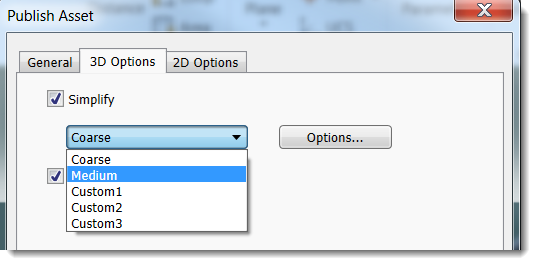
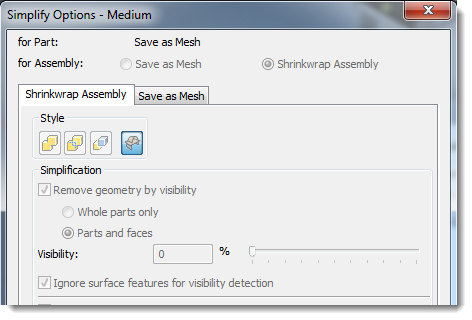
Further simplification enhancements include Shrinkwrap and Save as Mesh options for assemblies or a Save as Mesh option for parts.
Related help topics:
Make Changes to the 2D Representation When Publishing a 3D Asset
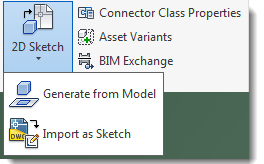
When creating an asset, there might be times when you want to make adjustments to the 2D representation to remove unneeded lines or geometry, or to add needed details for the drawing view. The new Asset Builder 2 D Sketch feature lets you import a sketch or generate a DWG from a model so that you can make the needed changes.
Related help topics: