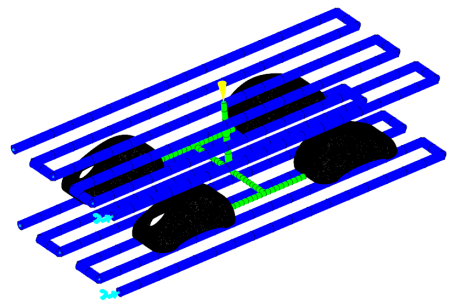
The heat transfer of the system is better simulated if the extent of the mold is defined.
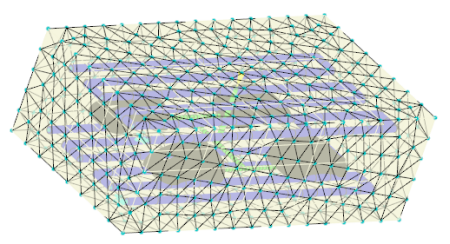
In this task, you use the Mold Block Wizard to create a mold boundary.
-
Click
 ().
().
-
Enter 450 for the X-dimension.
-
Enter 250 for the Y-dimension.
-
Enter 150 for the Z-dimension.
-
Click Finish
-
Uncheck the Mold surface (default)(Elements) layer.