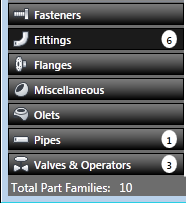
Creates and modifies components in the catalog template.
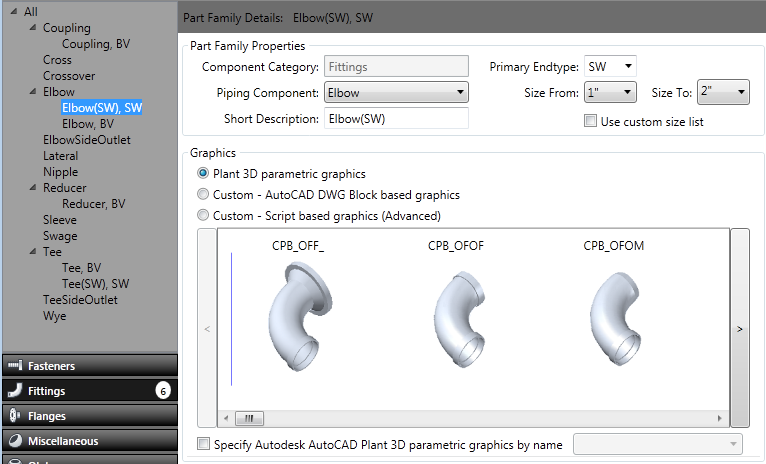
Select a component category (for example: Fittings) and type (for example: Elbow) in the left pane to display part family details in the right pane.
- Component Type tree
-
Displays component types (for example: Elbow, Coupling, or Tee) that are available in the component category (for example: Fittings).
- Graphics
- Specifies the graphic type. If you use Plant 3D Parametric Graphics, you can enter a shape name in the Choose Plant 3D Shape list from another category. For example, you can enter CPTS to create a Tee-shaped strainer.
Some component types (for example: backing rings and bolts) do not have graphics and can be left parametric with a blank name.
- Part Family Properties
-
If you select a single component type in the tree, the details for that part family can be modified.
- Use Custom Size List
-
Uses the custom size list specified in the Catalog Builder Advanced Default Settings dialog box instead of the size range specified above in Part Family Properties.
- Group View
-
If you select All or multiple component types in the tree, the components display in a Group Tile View or a Group List View.
- Component Category list
-