Welcome to MotionBuilder 2020! This release provides updates that help animators be more efficient and productive so they can spend more time on the creative.
Improved playback
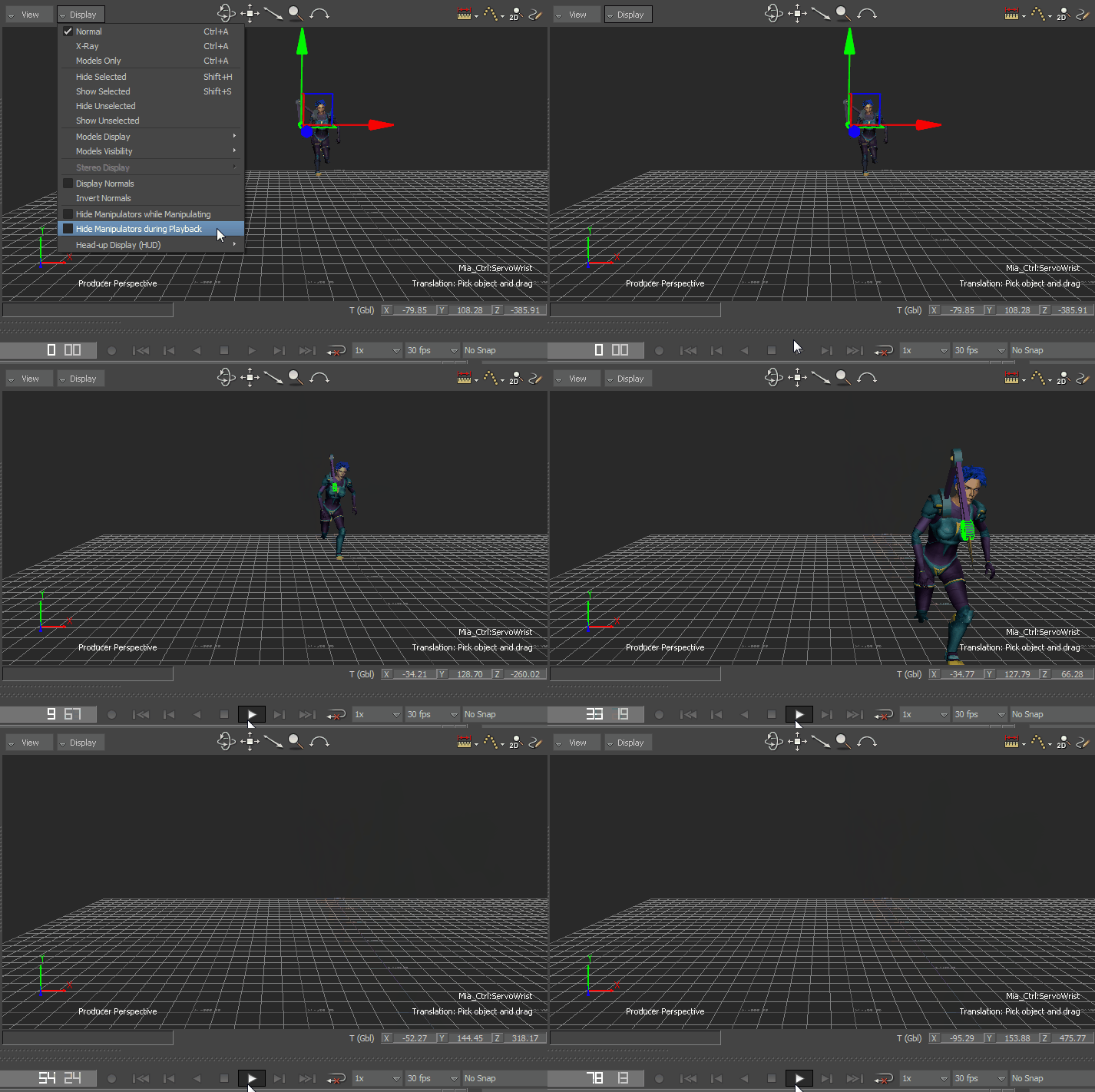
- Toggle manipulator visibility: You can now turn on the new Display > Hide Manipulators during Playback option to remove all manipulator elements during scene playback, providing you with a cleaner viewing experience. See Display menu.
- Render scenes using MP4: MP4 is now an Output Format in the Render window. See Render Window Settings.
Bookmarks in the Schematic view
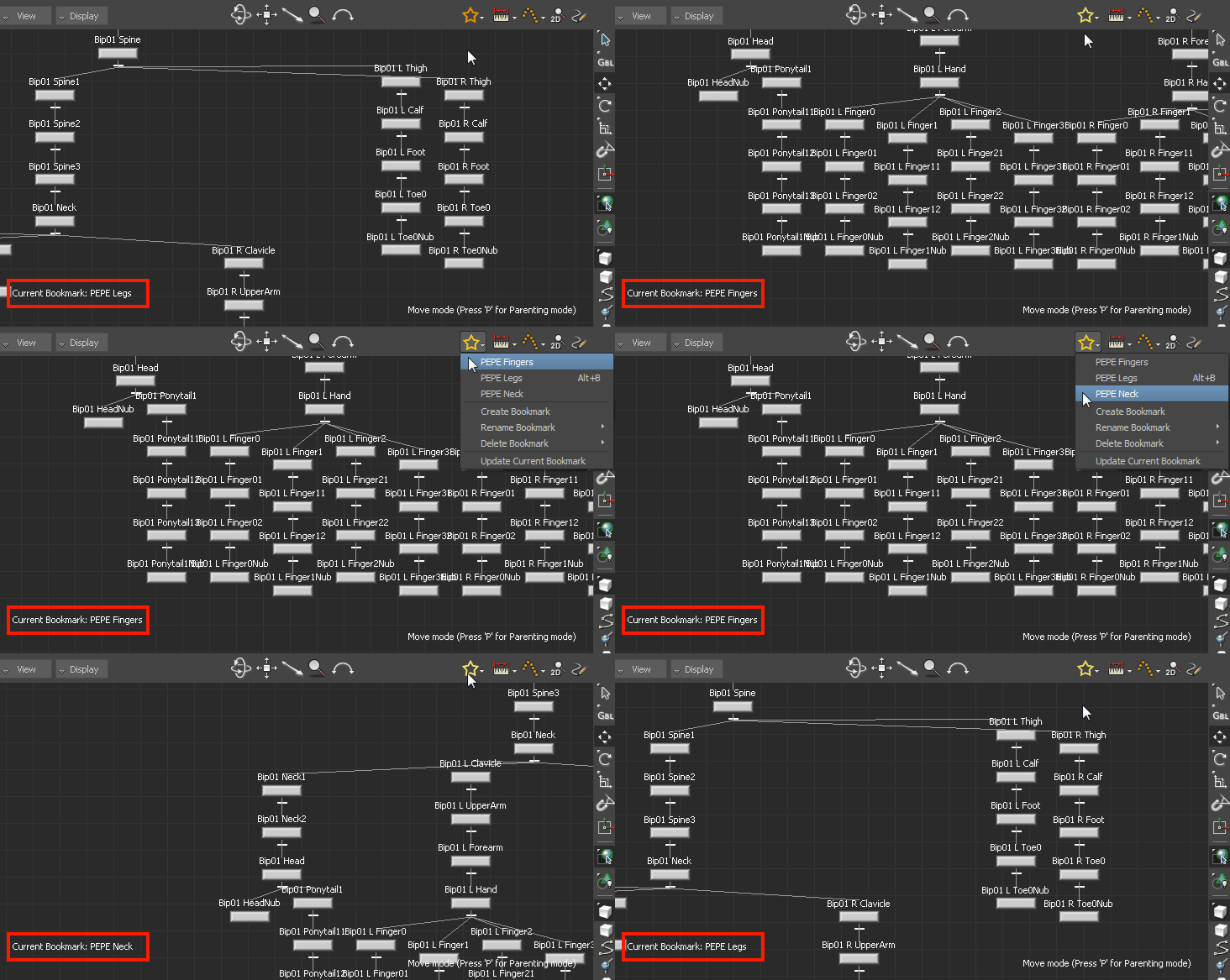
New bookmarks in the Schematic view let you quickly jump from one region of the schematic to another, eliminating the need to manually search for nodes. Bookmarks save the x and y position of the existing nodes, the expanded or collapsed state of the nodes, and the width, height, and zoom factor used by the Schematic view. See Creating bookmarks in the Schematic view.
Lock story clips
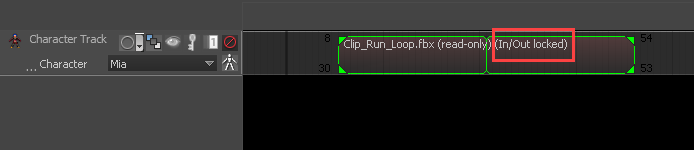
You can now lock story clips using the new In/Out Locked property. Locking a clip prevents animators from accidentally moving or retiming a clip, and avoids subsequent issues that can arise later in the animation pipeline. See Locking story clips.
New custom Frame Rate support
The frame rate 119.88 is now supported. This is a standard used for UHDTV and many cameras. See Playing Animation.
Unlimited undo levels
A new Undo preference (Settings > Preferences > Undo) lets you set an infinite undo queue. See Undo preferences.
Support for arithmetic operations
Numeric and timecode fields now support basic arithmetic operations. For more information on specific operators, see Using arithmetic operations in numeric and timecode fields.
Modify a single axis using a delta numerical value
Simply double-click a translation arrow, rotation ring, or scaling handle, and enter a value to precisely transform the object. See Translate objects, Rotate objects, and Scale objects.
Resize Add/Remove Namespace window
The Add/Remove Namespace window now easily accommodates long namespaces. The window's default size is larger than in previous releases, and it can now be resized. See Namespace.
SDK Help improvements
- When starting MotionBuilder from the command line the -3 flag is now supported, enabling Python 3000 compatibility warnings. For more information on startup flags, see the section on command line optionsin the Developer help.
- For other SDK updates, see What's new in the MotionBuilder SDK.