Further improvements build on the redesign of the Time Slider in Maya 2024 and 2024 Update 1.
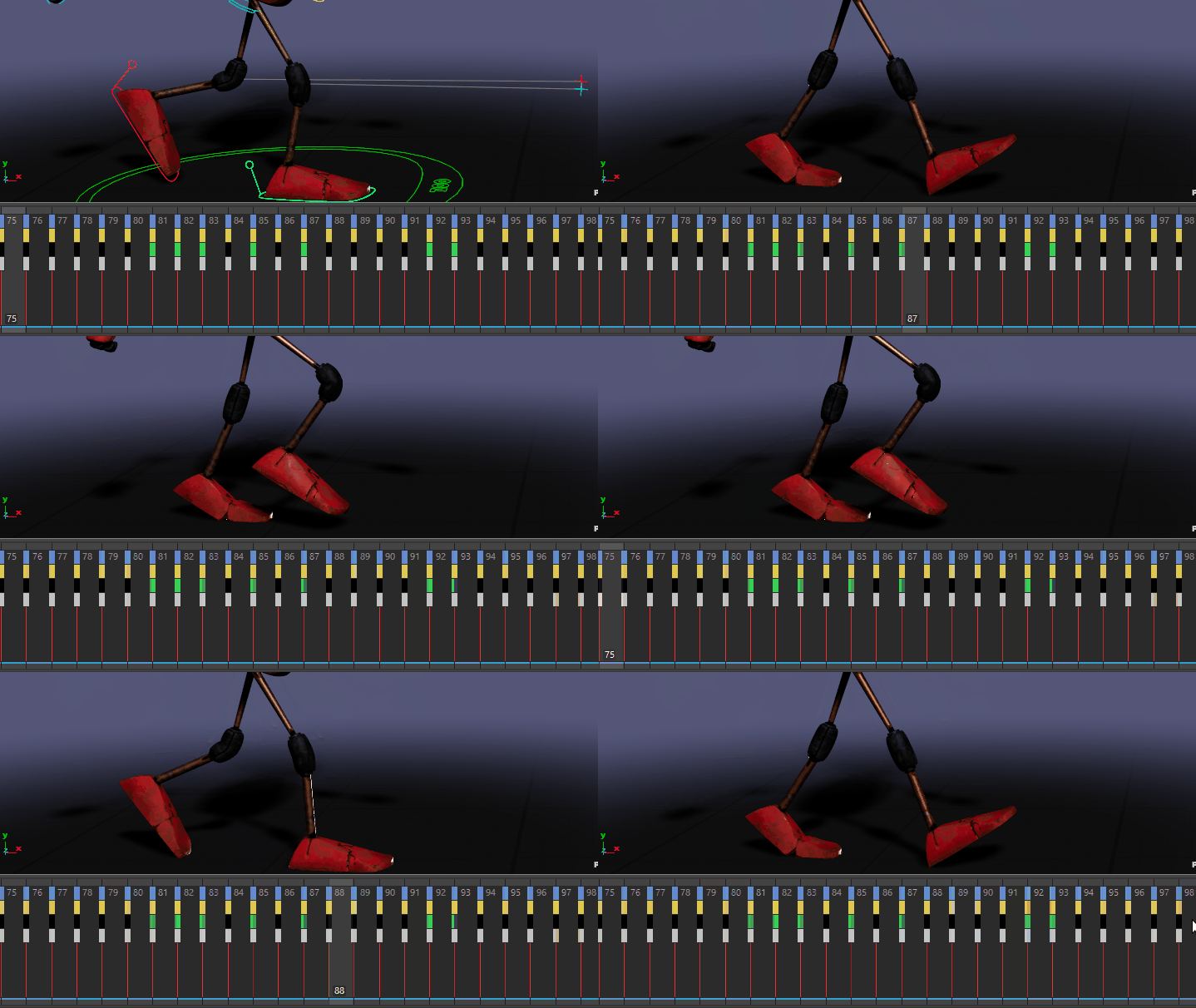
Color coded keys on the Time Slider (Rig courtesy of Create3DCharacters.com)
Update Viewport on key drag
Animation in the Viewport updates by default when you Shift-drag a selection of keys on the Time Slider. However, a new hotkey combination, Shift + Alt-drag has been added if you do not want the Viewport to update while dragging keys.
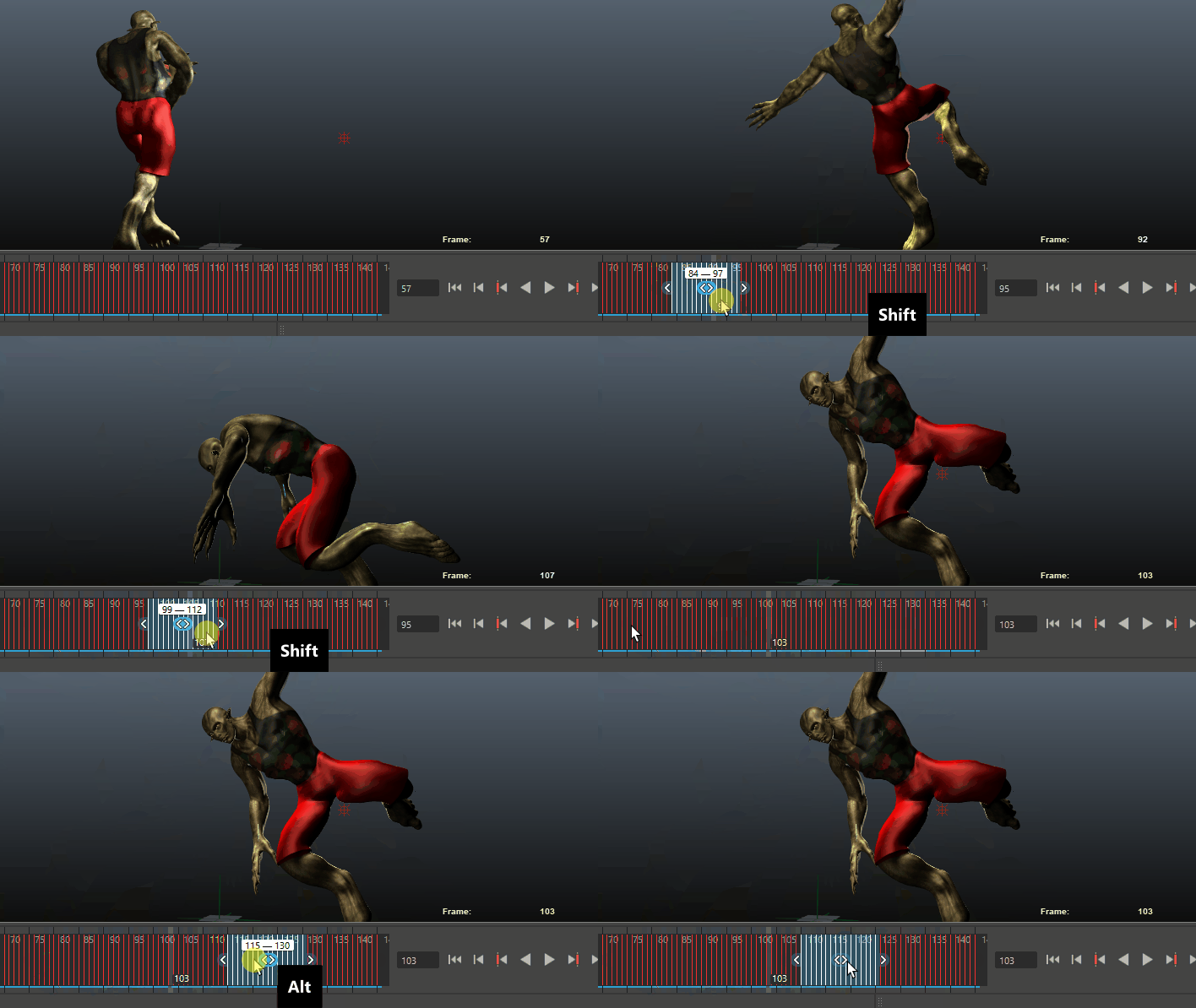
Shift-dragging and Shift + Alt-dragging keys in the Time Slider
This hotkey sequence can be useful when working with large animation scenes.
Color coding for keys in the Time Slider
Part of the recent Time Slider enhancements, a new option now lets you see on what curve type a key is set.
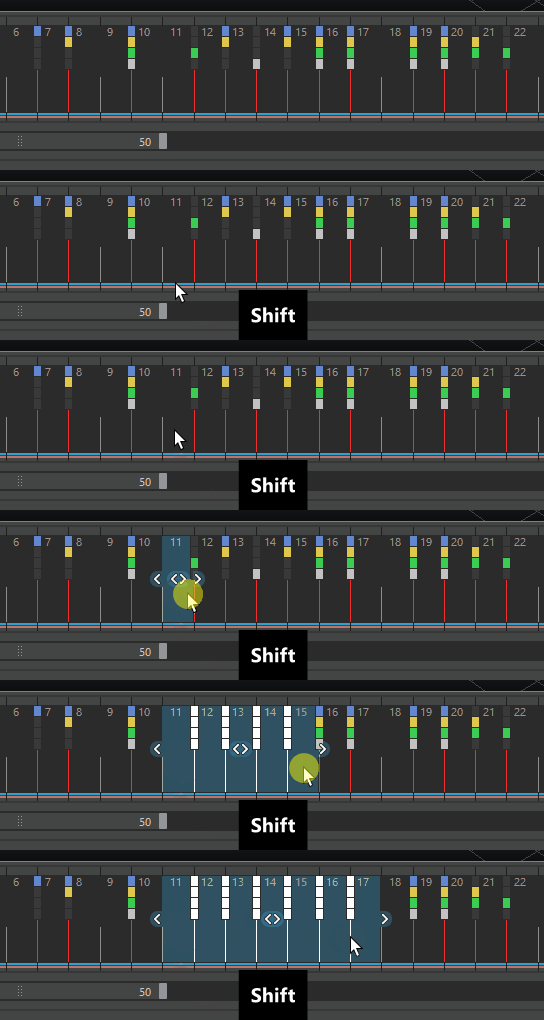
You can customize the colors in the Time Slider section of the Color Settings window.
Ctrl-copying now overwrites snapped keys
A problem where Ctrl-copying keys over existing keys on the Time Slider did not replace them, and instead offset the copied keys on the curve has been addressed.
Now, when a snapped key lands on an existing key, the existing key at that time is overwritten.