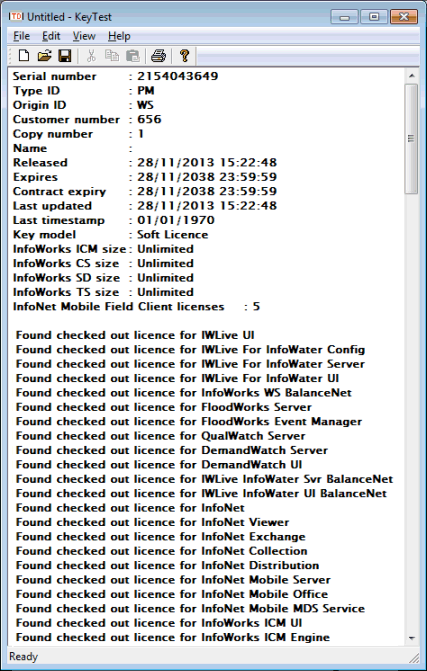
The Test Dongle Page of the License Wizard is used to select a dongle or test license server to be tested, or to get local soft license details.
The default options will be displayed based on the current user's settings if available, otherwise the settings for all users on the computer.
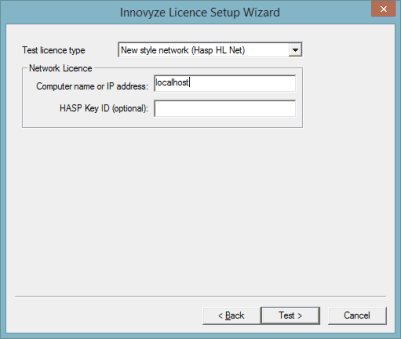
Select the type of license to be tested. Please refer to the License Wizard - Settings Page where license types are detailed.
The Network License options will become available when a network type dongle has been selected for testing:
- Computer name or IP address - name or IP address of the network license server. Enter 'localhost' to test a network dongle attached to the PC (or a soft license on the floating license server) on which the license key setup program is being run.
- HASP Key ID (optional) - license ID (use if there is more than one network dongle attached to the server / network soft license on the server)
Click the Test button to carry out the test.
A log will be displayed listing the dongle / license details or an error message if the dongle / license cannot be found.