Start 3ds Max from the Command Line
To start 3ds Max from the Command Line
Open a Command Prompt window (
 Start Run).
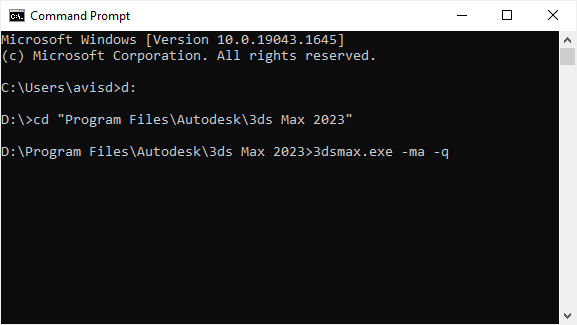
Navigate to the 3ds Max root directory.
Type 3dsmax to start the program.
You can use command-line switches to change various settings.
Note: In addition to the Command Prompt window, you can include the command line in a batch file.