When you order contextual data, it's available as a coordination model for reference in Forma workflows. If you want to incorporate the data into your design and make changes to it, you can convert it to corresponding Revit elements.
What types of data can be converted?
You can convert the following types of contextual data to Revit elements.
- Terrain. After ordering terrain, you want to excavate some areas to prepare the site. When you convert all or part of the terrain, it becomes one Revit toposolid.
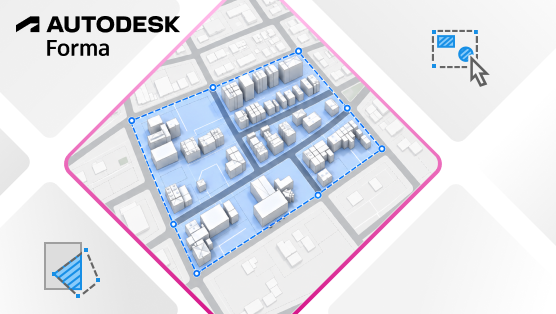
- Buildings. After ordering buildings for the region surrounding your model, you want to adjust some buildings to reflect recent real-world changes. Convert the entire data set, or select individual buildings from the set to convert them into Revit site elements (DirectShapes).
Support for converting more types of contextual data may expand over time.
Convert all or part of the contextual data
When preparing to convert contextual data, consider whether you want to convert the entire data set or just part of it. The resulting elements vary, depending on the type of data set.
| Convert to Revit elements | Entire contextual data set | Selected items or parts of the data set | Tips |
|---|---|---|---|
| Terrain | Converted terrain becomes one toposolid. | Only one toposolid is created, even when you select multiple areas of the terrain. | Use standard
Revit tools and workflows to make changes to the toposolid.
To organize a single toposolid into subdivisions, use the Sub-Divide tool. To create separate surfaces that can be edited independently, use the Split tool. |
| Buildings | One site element (DirectShape) is created per building in the data set. | One site element (DirectShape) is created per building in the data set.
If the selected area (sketched as a closed loop) includes part of a building in the data set, the entire building is converted to a site element. |
You can move, rotate, or delete each building separately to reflect recent real-world changes. |
Current limitations
As part of the Forma Connected Client Tech Preview, the following limitations apply when converting contextual data:
- Parcels and roads cannot currently be converted to Revit elements. This capability may be offered in the future. Enhanced workflows for editing and managing contextual data may also become available.