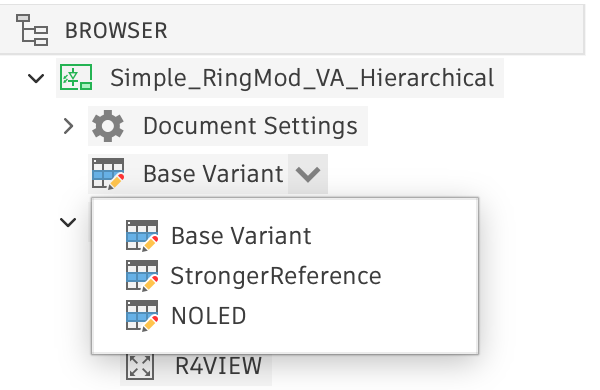
Electronics Browser assembly variant selection
The Electronics Browser enables you to change the currently selected assembly variant using the drop-down list on the Assembly Variant Browser node. This can only be changed in schematics and only if assembly variants are present in the design.
- Navigate to a top-level sheet in the design (you cannot change the assembly variant when inside a module)
- Click the Expand icon next to "Base Variant" to open a menu where you can view the assembly variants
- Activate the desired variant by choosing it from the pop-up menu