Convert a sheet to a module
Convert a top-level sheet into a reusable hierarchical module that you can place as an instance in your design.
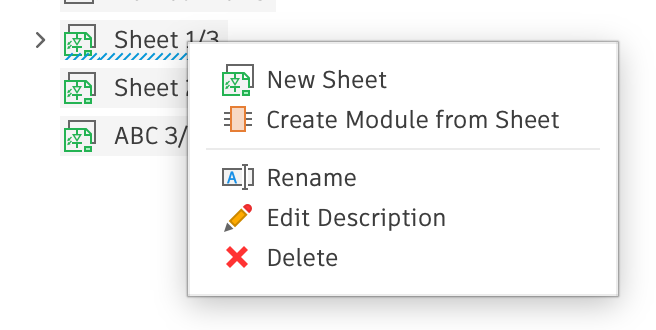
- Right-click a top-level sheet node to open the context menu.
- Choose Create Module from Sheet and enter a name for the new module.
- Open the Connect > Module list and choose the new module to place an instance. Once placed, the module instances appear in the Browser as objects inside a sheet.