Electronics Content Manager panel
When you load a custom library, the Content Manager panel opens automatically. The Content Manager is used to create, view, and edit assets such as Components, Symbols, Footprints, and 3D Packages.
- Select any of these assets to see the details of the asset in the bottom section of the panel.
- Double-click on an asset to show the corresponding editor in the center of the workspace and make edits.
- Right-click on an asset to see available options. Here you can Rename, Edit description, Duplicate, or Delete assets from your library.
Note: The 3D package workspace will load as a second workspace tab.
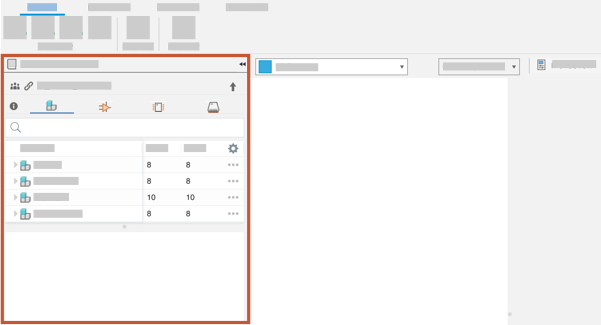
Figure 1: Default location of the Content Manager panel in an electronics library.
You can also use the Content Manager in order to preform various actions on 3D Packages such as Update to latest version and importing library.io packages into your current hub.