Now that the simulation has run successfully, you will review the results for the ducting network. In this task, you will explore the results for a selected element of the ducting network, change a displayed result quantity to pressure, and view the flow direction.
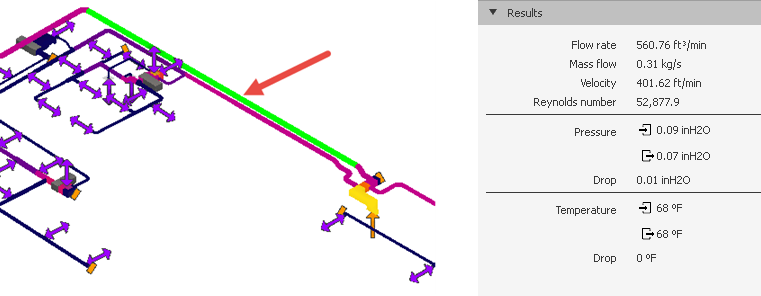
- Select the element as shown in the image below.
The results display in the Results section of the Properties Pane.
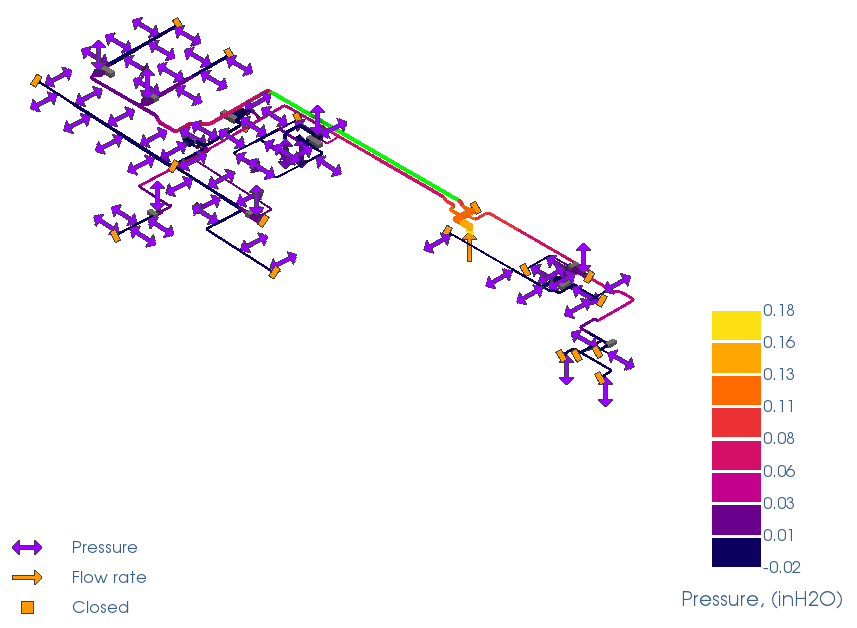
- Click
Simulation
 Result Type
 Pressure to display the pressure results.
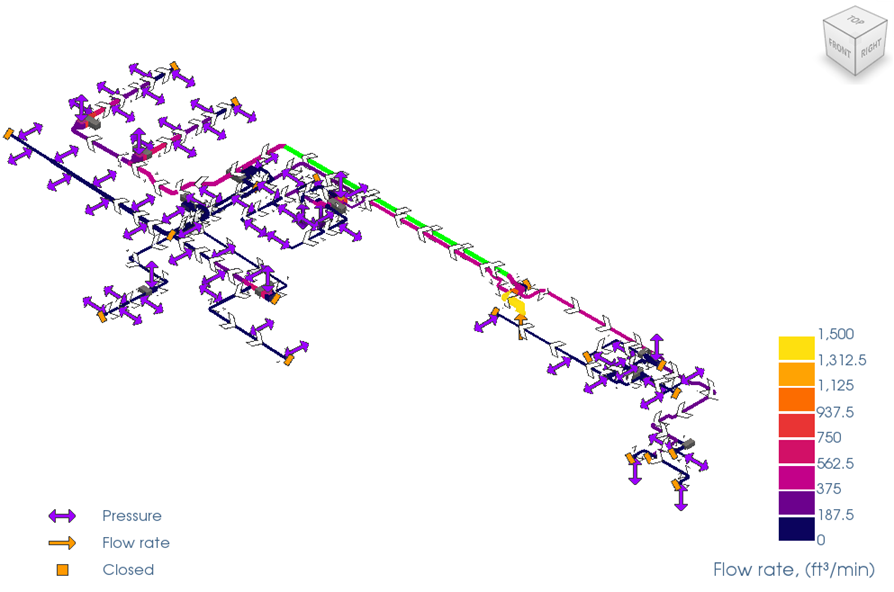
- Click
Simulation Result Type
 Flow Rate to go back to the Flow Rate results.
- Click
Simulation
Flow Direction
Show Arrows and
Animate Flow to display the animated flow results.
Note:
- The animated arrows show the direction and velocity of the flow.
- The animated velocity is proportional to the actual flow velocity specified for elements.
- Click
Simulation
Flow Direction
Show Arrows and
Animate Flow to hide the animated flow results.