In this step you will define pumps using the default Performance curve method.
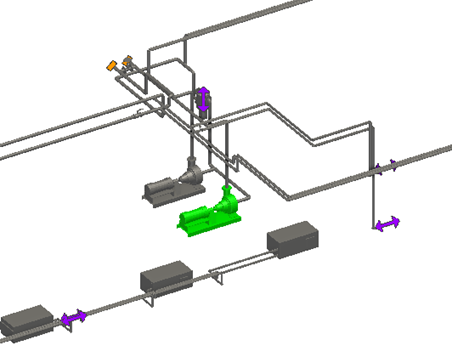
- Click the pump highlighted in the image to select it.
- In the Properties Pane, select the units as follows:
- For Flow Rate, select gal/min.
- For Pressure Head, select ftH2O.
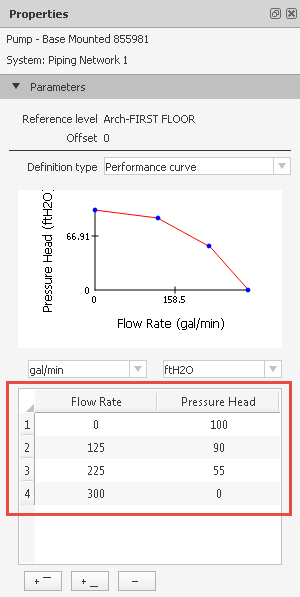
- In the table, enter the performance curve data as shown in the image below:
- Click
 in the top left corner of the table, and then click
Copy.
in the top left corner of the table, and then click
Copy.
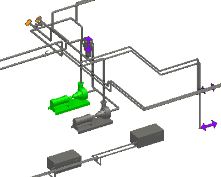
- In the Model Pane, select the other pump.
- In the Properties Pane, select units for the other pump:
- For Flow Rate, select gal/min.
- For Pressure Head, select ftH2O.
- Click
in the top left corner of the table, and click
Paste.
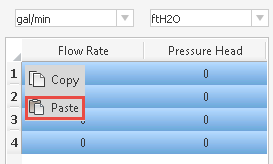
The performance curve data of the first pump has been copied and pasted to the table for the other pump.