Issue:
How to create a BIM 360 or Autodesk Forma (Formerly Autodesk Construction Cloud) Account Hub?
Solution:
To create a BIM 360 or Forma Account Hub follow the steps as below:
- Navigate to the Autodesk Account and sign in.
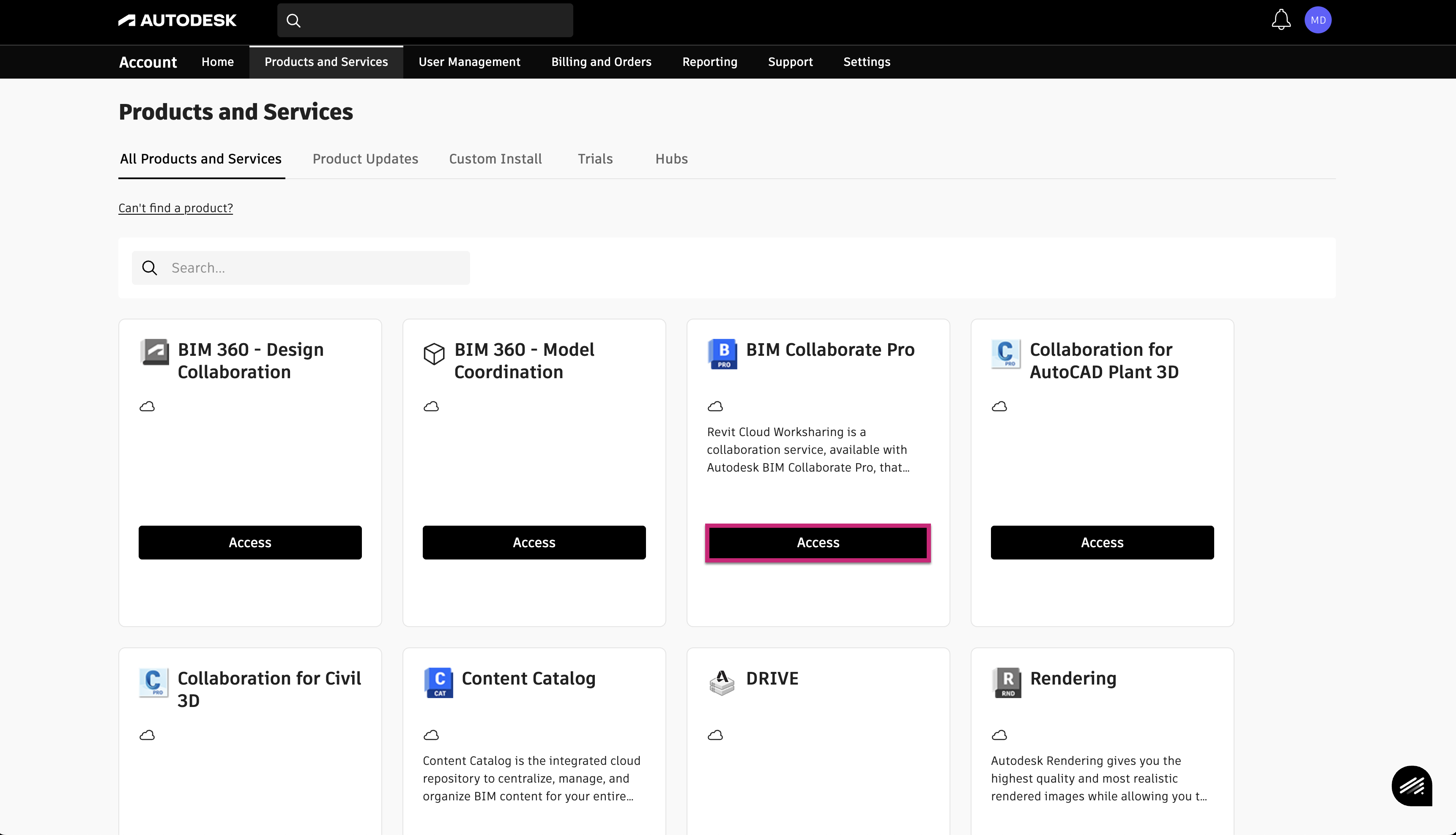
- Switch to the Products and Services tab at the top to locate your purchased products.
- Click Access in the product card below Forma Data Management / BIM Collaborate / Forma Design Collaboration / Build
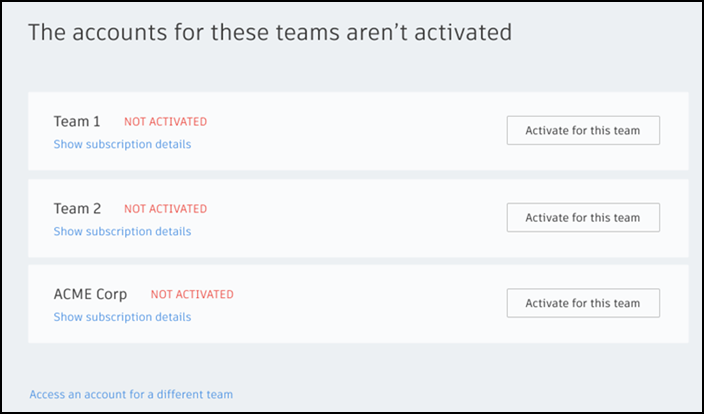
- You'll see that the account isn't active yet. Click Activate for this team.
- Click the Create a new account radio button to create an account for use with the Forma™ products.
- Enter an Account Name. This name appears in the product and in product emails.
- Choose where you want your data hosted - Europe (EU), Americas (US) or Asia-Pacific (APAC)
Note: Autodesk's Forma Bridge tool does not currently allow files to be shared between regions, nor does Design Collaboration/Revit Cloud Worksharing. - Click Activate now.