
Issue:
Users reported that access projects trying to access projects in Revit's New Home screen, specific Autodesk Construction Cloud (ACC) projects are missing or shown partially.
- A following message might appear in the home screen:
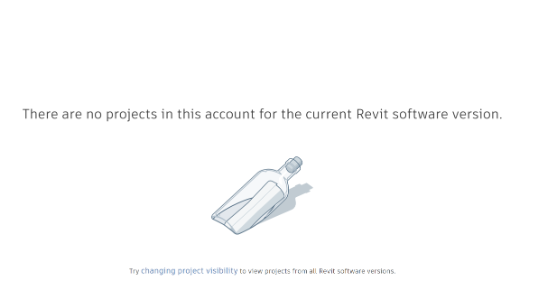
Error: There are no projects in this account for the current Revit software version.
Solution:
Interactive guided troubleshooting
Use the following wizard for interactive guided troubleshooting: Troubleshooting BIM 360 and Autodesk Construction Cloud model access from Revit
Manual troubleshooting
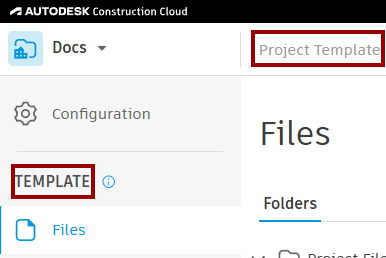
- Project Templates will not show up in the new Revit home.
To confirm a project is a project template.
- Open the cloud project in a browser.
- "Project Template" will appear visible, if the project is actually a project template.
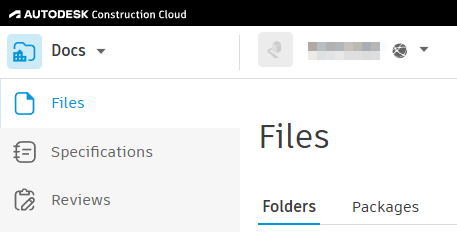
| Project Template | Project |
 |
 |
- Create New Project: If there is an issue with accessing the original cloud project within the account, try creating a new project and retry accessing in the new Revit Home.