Using the Plane Cut tool
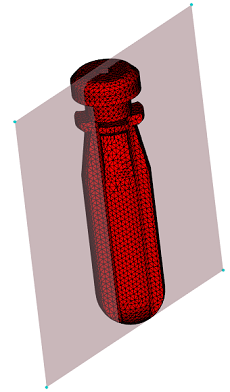
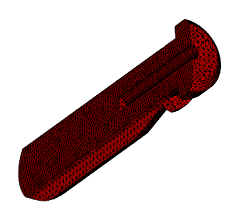
Use the Plane Cut command to cut symmetric parts in half with a plane.
Note: This tool applies only to visible surface meshes. Make sure you have made the appropriate layers visible.
Click
 (Mesh tab > Mesh Edit panel > Advanced > Plane Cut).
In the Define A Plane section of the dialog, choose the direction of the cut.
Select a reference point to define the position of the cutting plane.
Note: Multiple bodies should be cut separately.Click Apply.