
Create a New Project
The first step in writing a VB.NET program with Visual Studio 2022 is to choose a project type and create a new project.
- From the File menu, select New
 Project….
 - In the Installed Templates frame, under Other Languages, click Visual Basic.
- In the right-hand frame, select Class Library. This example assumes that your project location is: C:\Samples.
- In the Name field, type HelloWorld as the project name.
- Ensure that the .NET 8.0 is selected at the top of the dialog.
- Click OK.
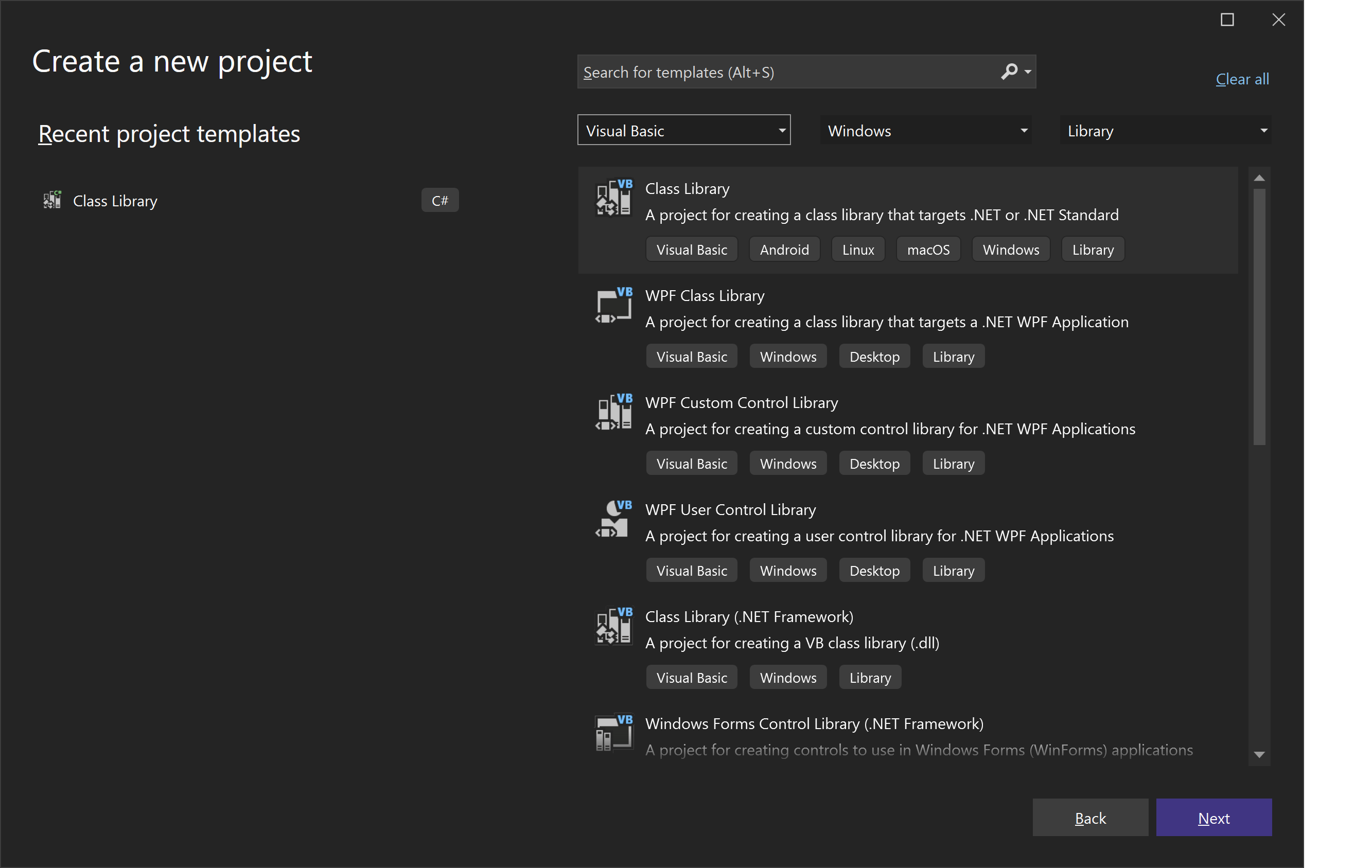 Figure 172: New Project dialog box