Issue:
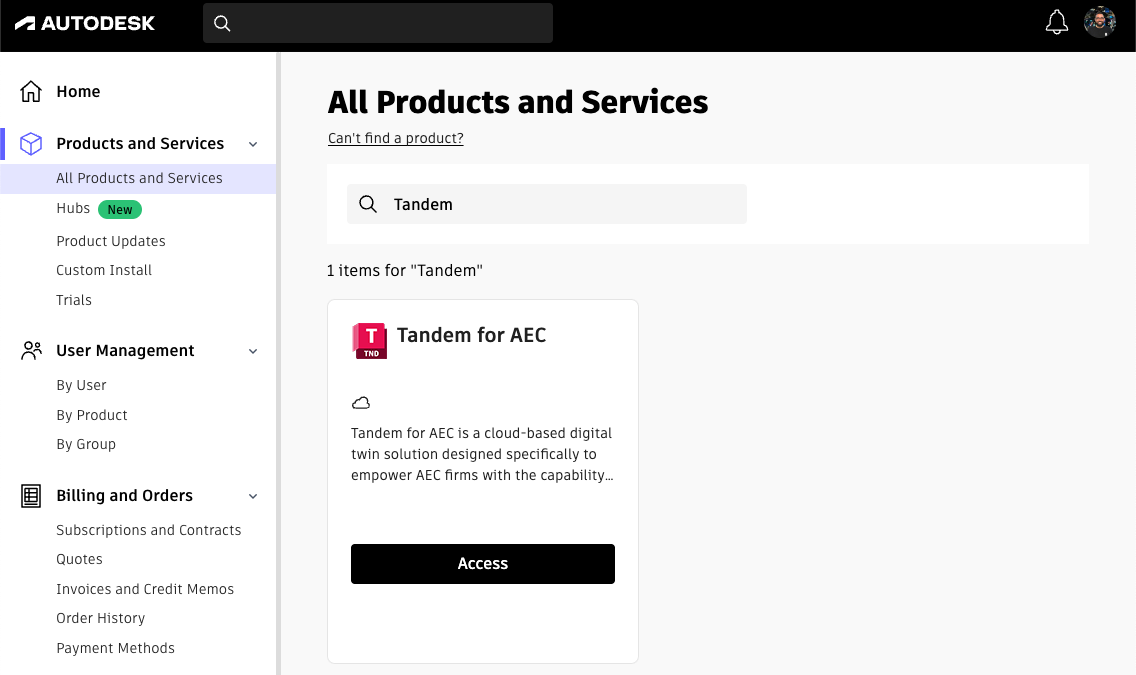
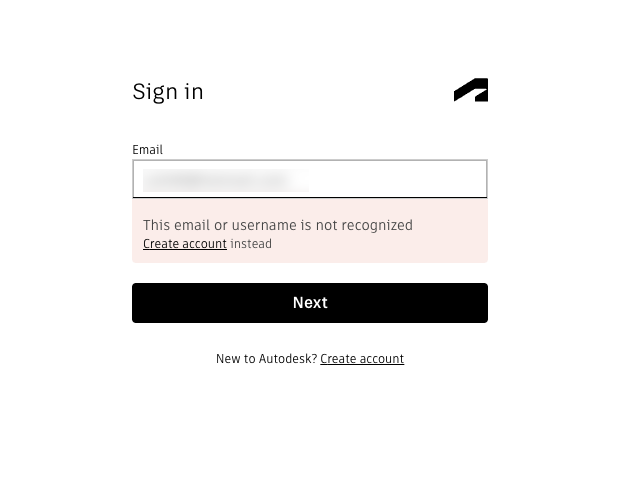
When trying to access Autodesk Tandem, users get a error that says "This email of username is not recognized".
Causes:
There are a few potential causes of this issue:- User does not have a Tandem user account
- User does not have a Tandem for AEC entitlement
- User has not been invited to a Tandem account or facility
Solution:
To resolve this issue, please verify the following:- User have a Tandem user account
- If they don't have one, they can sign up for one here
- User has received an email saying they have been invited to a Tandem account or facility
- User can log into Manage.autodesk.com and see Tandem for AEC listed