Change the transition length in a horizontal curve group on a design road.
- Click
 Edit.
Edit. - Select the design road.
- Right-click the transition you want to change. Highlight Edit Curve.
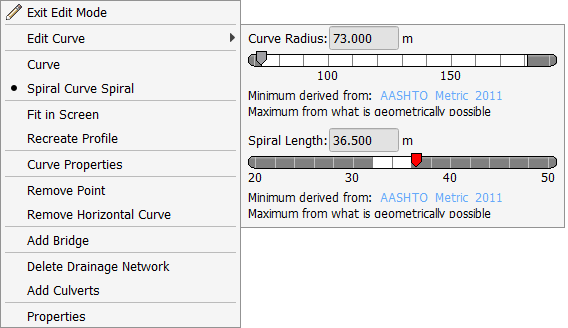
- Change the transition length.
- Drag the Transition Length slider to the desired length.
- Enter a value in the Transition Length cell.
The transition length value is applied to the transitions before and after the curve.