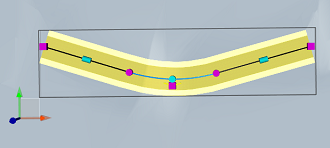
Add a horizontal curve to a design road at either of two locations: On a line segment, or At the intersection point of two lines, where a curve had been previously removed.
To add a horizontal curve to a design road on a line segment
- Click
 Edit.
Edit. - Select the design road.
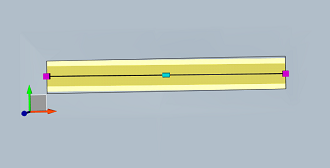
- Right-click the desired location of the curve. Click Add Point.
The line is broken into two segments and an intersection point and curve are added at the location you selected.
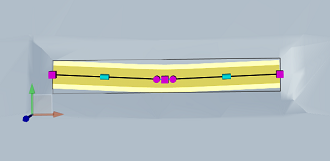
To add a horizontal curve to a design road at an intersection point
- Click Edit.
- Select the design road.
- Right-click the intersection point at which you want to add the curve.
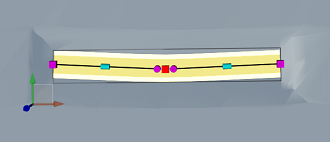
- Select the curve type you want to add:
- Curve
- Transition Curve Transition
A curve is added at the intersection point you selected.