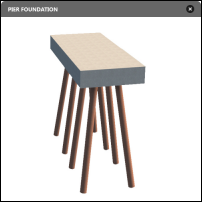
Choose a pier foundation style for your bridge from a catalog of parametric pier foundation components, then edit pier foundation settings as desired.
- Select the bridge and then click again on a pier foundation to select it.
- Click


 to toggle bridge deck transparency.
- Click
 to toggle between 50% and 100% surface opacity.
- Click


 to manage visibility for the terrain layer.
-
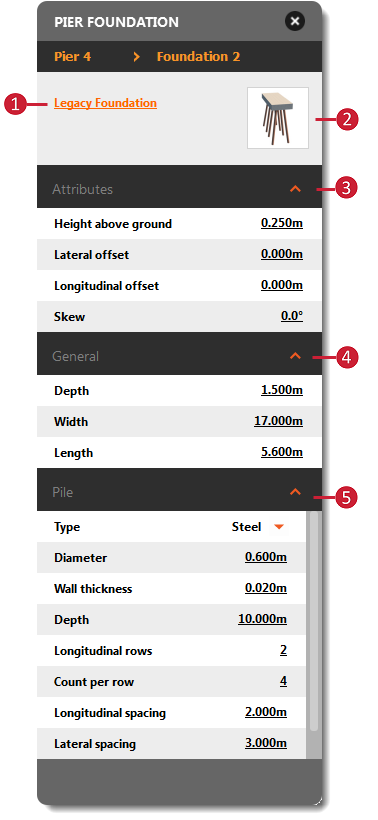
Once you select a pier foundation, its asset card will display.
Tip: To make it easier to view and edit a pier or pier foundation, you can toggle bridge deck transparency, adjust terrain surface opacity or even hide the terrain layer.
 |
|