The Apply License Page of the License Wizard is used to apply a soft license.
This page is displayed when the Apply license file option is selected and the Next button is clicked on the License Action page of the Wizard.
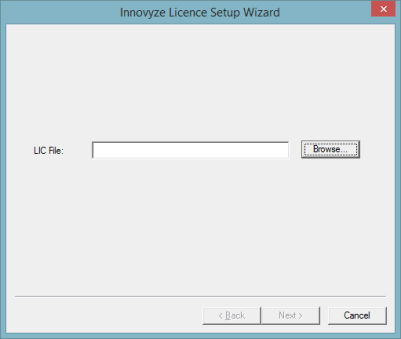
Click the Browse button. A standard Windows Open dialog is displayed. Browse for the provided license file (LIC extension).
Browse for the file and click Open on the standard Windows Open dialog that gets displayed.
Back on the Apply License page, click Next.
The Finish page is displayed. Click Finish to complete the process.