The CD Key Page of the License Wizard can be used to generate an HID file using the provided CD Key (CDK file). Both the CD key file and the HID file are required to make up a soft license.
This page is displayed when the Apply CD Key and get hardware ID option is selected and the Next button is clicked on the License Action page of the Wizard.
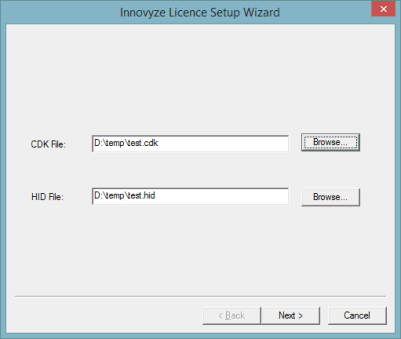
Click the Browse button adjacent to the CDK File: box. A standard Windows Open dialog is displayed. Browse for the provided CDK file (CDK extension).
Select the file and click Open. The HID file box becomes populated with the suggested path and filename for the automatically generated HID file (HID extension).
Click the Next button. The HID file is automatically created at that point and the following dialog gets displayed:
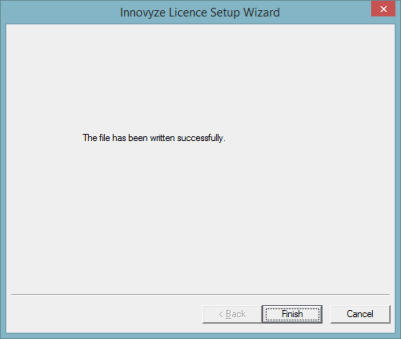
Click Finish to complete the process.
The generated HID file should be sent to Innovyze Support so that a license can be generated. In return, Innovyze Support will send the user a license file (with a LIC extension). This file can be used to apply the license, by using the Apply license file option of the License Setup Wizard. See License Setup Wizard - Apply License Page for more details.