Flow Production Tracking Plugin Review & Approval Workflow
Flame, Flame Assist, and Flare come with a pre-configured Flow Production Tracking plugin, allowing you to easily leverage Flow Production Tracking as a Review & Approval system without any configuration required.
To enable the use of Flow Production Tracking plugin you must either:
- Set Flow Production Tracking to Enabled in the Setup application.
- Select Enable in the Flow Production Tracking submenu of Application menu accessible at the bottom left of the screen.
If you do choose to use Flow Production Tracking, then the following functions are enabled in the application:
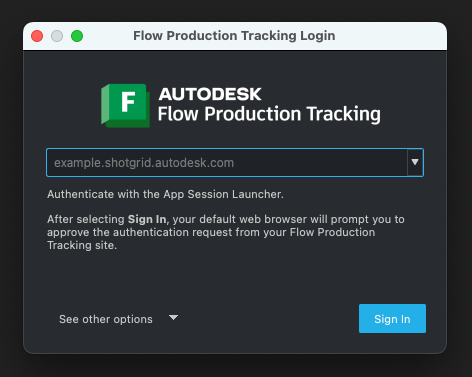
The Flow Production Tracking Login window appears at application launch, where you can log onto your Flow Production Tracking site directly from Flame.
Flow Production Tracking is able to interact with Flame projects by creating a corresponding Flow Production Tracking project for each Flame project. To be able to use Flow Production Tracking, the Flame project must be associated to its Flow Production Tracking counterpart. A Flow Production Tracking Project Setup window appears for every Flame project not already associated to a Flow Production Tracking project.
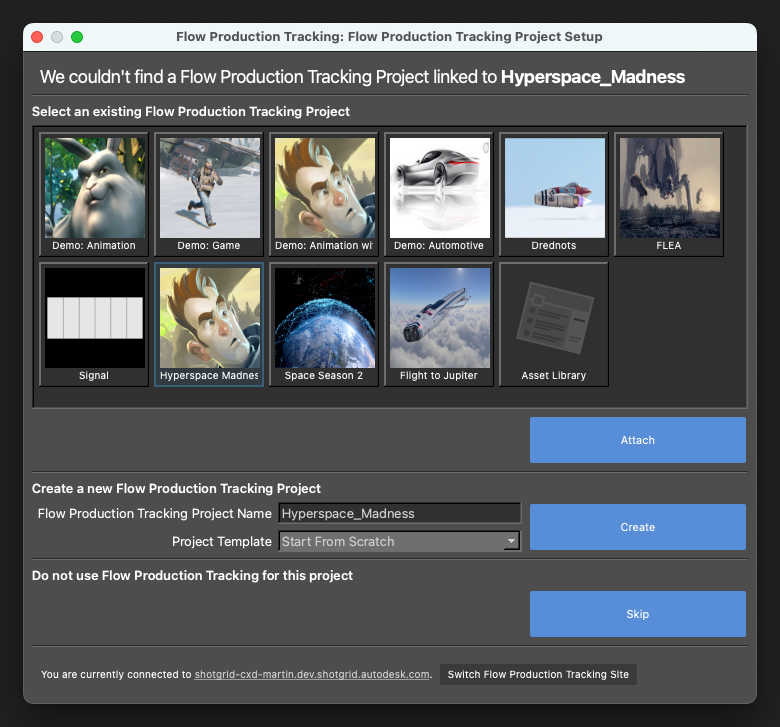
Your options here are to:
- Link the Flame project to an existing project using "Attach". It is also possible to switch Flow Production Tracking sites using "Switch Flow Production Tracking Site" in case the desired project is not available in the current Flow Production Tracking site.
- Create a new Flow Production Tracking project using "Create". This creates a corresponding Flow Production Tracking project, associated to your current Flame project.
- Do not link a Flow Production Tracking project for this project using "Skip".
- It is possible to break the connection between a Flame and Flow Production Tracking projects using the Break Link to Flow Production Tracking Project option, from the Flow Production Tracking submenu.
- A Flow Production Tracking Project can be associated to a Flame project from within Flame, using the Log In option from the Flow Production Tracking submenu.
You can also select a Project Template, if pertinent.
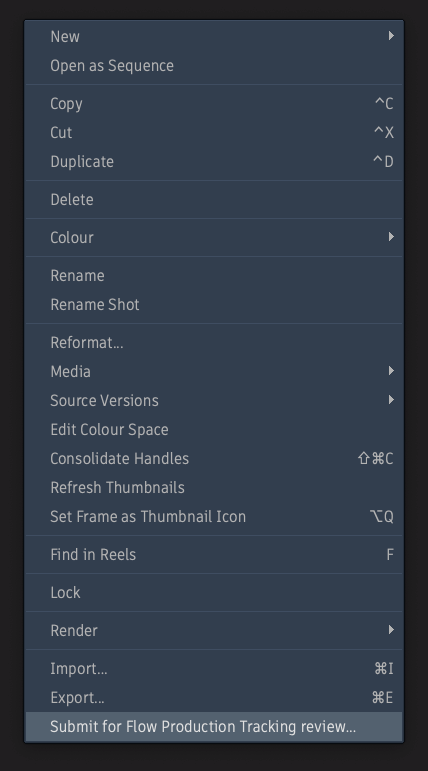
Once you have properly associated your Flame and Flow Production Tracking projects, in Flame, a new option appears in the context menu of the selected media: Submit for Flow Production Tracking Review.
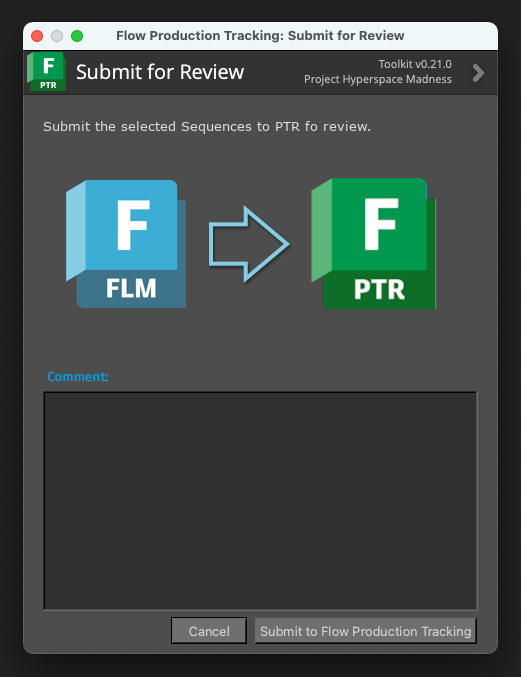
Selecting this option launches the Flow Production Tracking Review window, into which you can add a comment. Clicking Submit uploads the current clip and the comment to the Flow Production Tracking Project.
From the Flow Production Tracking site, select the appropriate project from the Project tab.
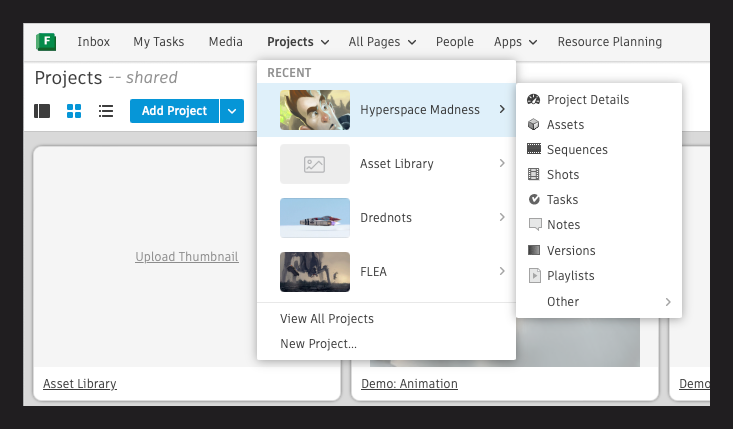
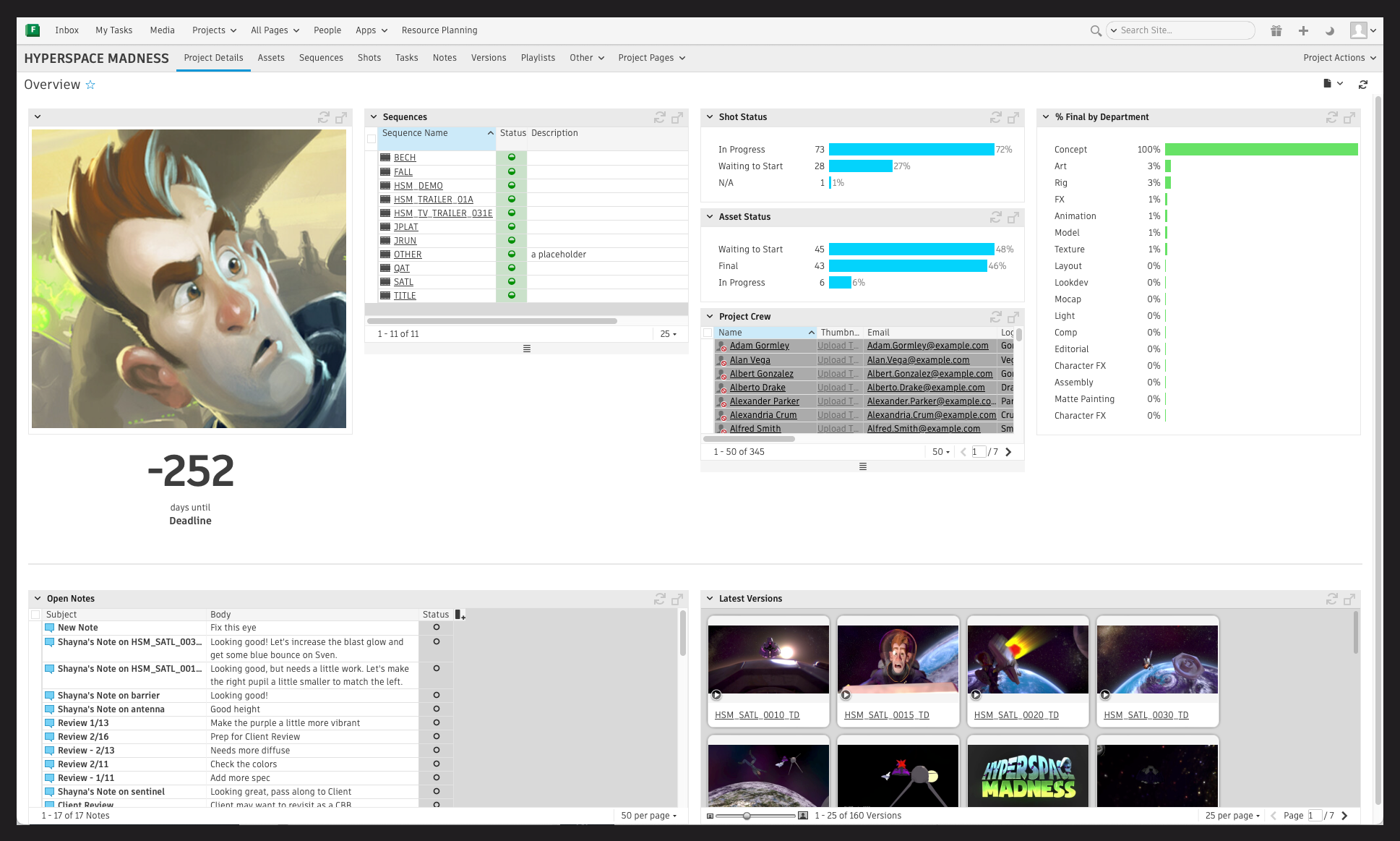
The Project Details page displays widgets helpfu to track the project's status.
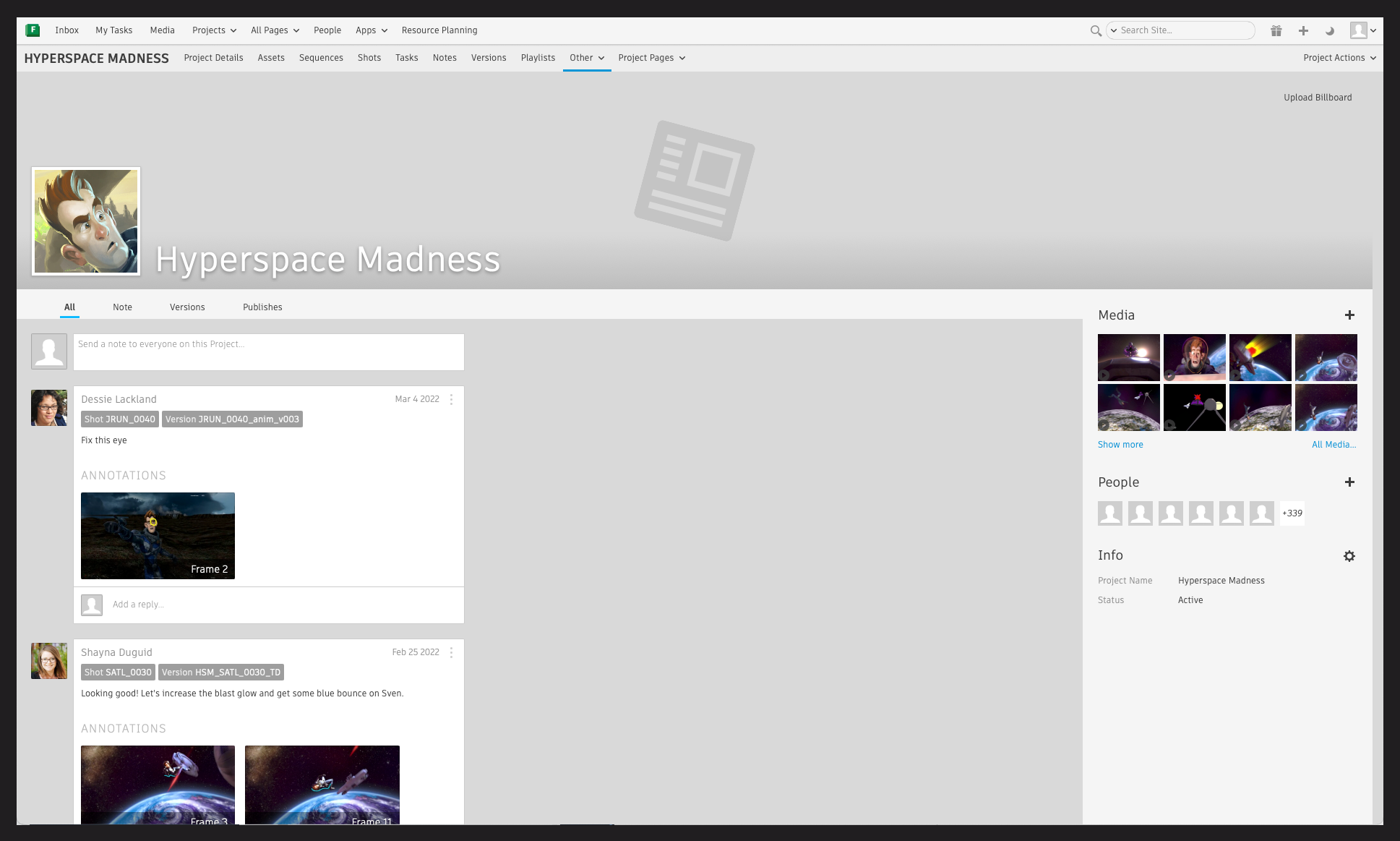
The Overview page displays the selected media, with the comment and populates a window to insert a reply comment.
Back in Flame, the Flow Production Tracking submenu accessible from the Flame menu at the bottom right of the screen contains:
- An option to break the link between the Flame and Flow Production Tracking projects.
- An option to launch the Flow Production Tracking Panel.
- An option to launch Flow Production Tracking in a Web browser.
- An option to launch the Flow Production Tracking Loader.
- An option to Log In or Out to Flow Production Tracking.
- An option to launch the Flow Production Tracking Publish.
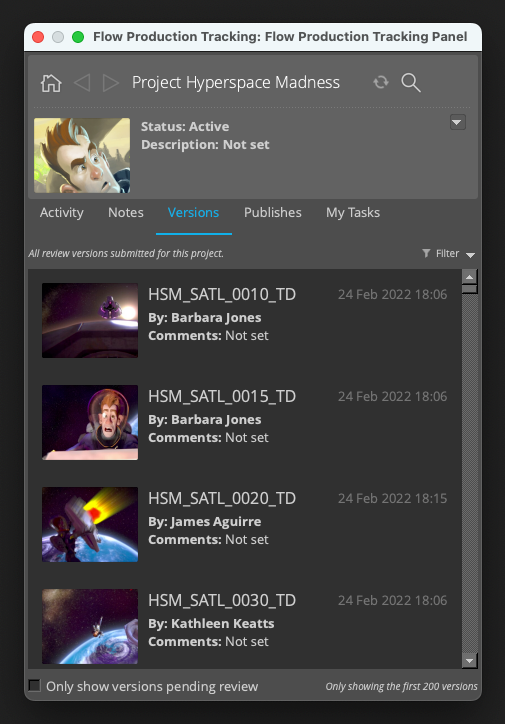
To view the reply from the review request, select the Flow Production Tracking Panel option. The Flow Production Tracking Panel is displayed with the clip and all of the comments.
Other Considerations
- The Review and Approval workflow described here uses the Flow Production Tracking plugin rather than the Classic Flow Production Tracking Configuration. Using the Classic Configuration file automatically disables the Flow Production Tracking plugin. The Submit for Flow Production Tracking Review function must be manually configured in the classic configuration.
- Switching Projects inside the application does not create any problem. The associated Flow Production Tracking Project is still linked properly.