Create an Open Document Text file with placeholders for Netfabb to fill
Two types may be placed in a report template:
- Named variable
- Image
Named variables must first be defined invisibly in a location where they do not interfere (a "Set variable" step). This is where Netfabb actually deposits the value in the report document. Then the fields are set up where the actual values are to be displayed (a "Show variable" step).
Image fields do not require a definition step like named variables do. Their fields are set up directly in the places they are to show up. They do, however, require a placeholder image that must be prepared in advance.
Both named variables and images are given names so that Netfabb knows what to put into the placeholders. For a list of accepted names refer to the Creating reports reference.
Controls for setting up and placing named variables and their fields
Fields are placed with the Fields dialog of LibreOffice Writer.
Opening the Fields dialog
- From the main menu choose .
- Select the Variables tab.
From here you can alternate between positioning the cursor in the main document window and defining new or selecting existing variables.
General steps for placing a field
- In the
Fields dialog, define or select a variable.
Note: At this point, the Insert button may be disabled and grayed out. This is not an issue as it will become available in the next steps.
- Click in the first line of the document and place the cursor where the field should be put.
- With the input cursor placed in the desired position, click in the
Fields dialog again.
The Insert button is now active.
- Click Insert.
- Once all fields are placed, click Close.
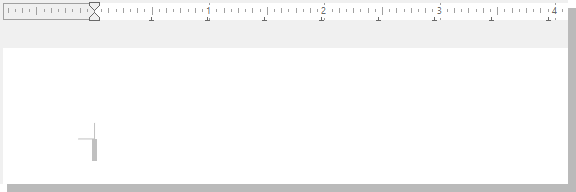
Display of field names disabled but field shadings enabled
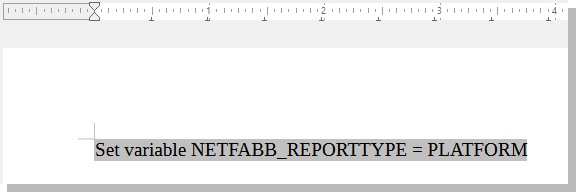
Display of field names and field shadings enabled