Clone 3DGS points
You can clone data using the native 3ds Max keyboard shortcut. Whether you're repairing a hole, replacing deleted points, or performing more complex kitbashing edits, it's a quick and easy way to manipulate points.
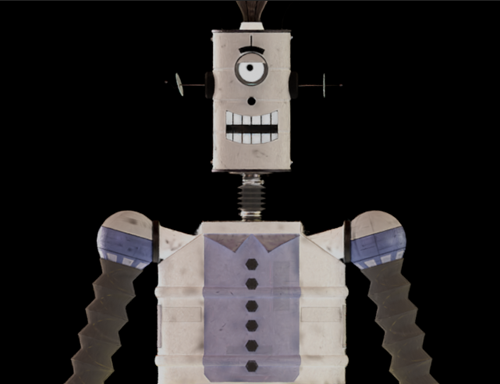
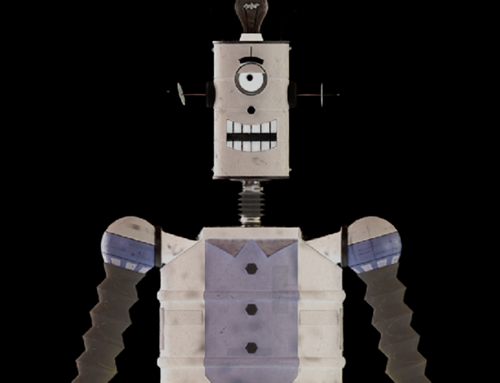
In the following scene, we clone a few buttons on the front of our robot.
Clone points
If you are starting with a Gaussian Splat object, do one of the following to turn it into an Editable Point object:
- Right-click the Gaussian Splat object and select Convert To: > Convert to Editable Point from the Quad menu.
- Right-click the Gaussian Splat object in the Modifier stack and select Editable Point.
With the Editable Point object selected in the Modifier Stack, click the Points sub-object button
 in the Selection rollout.
This step ensures that you can select points.
From the main toolbar, select the Marquee tool.
Use the Marquee tool to select one of the robot's buttons.
Tip: If you want to add or remove points from your initial selection, hold the Ctrl key (add) or the Alt key (remove) while making another Marquee selection.Select the Move tool.
Shift-drag the points to a new location using the Move tool.
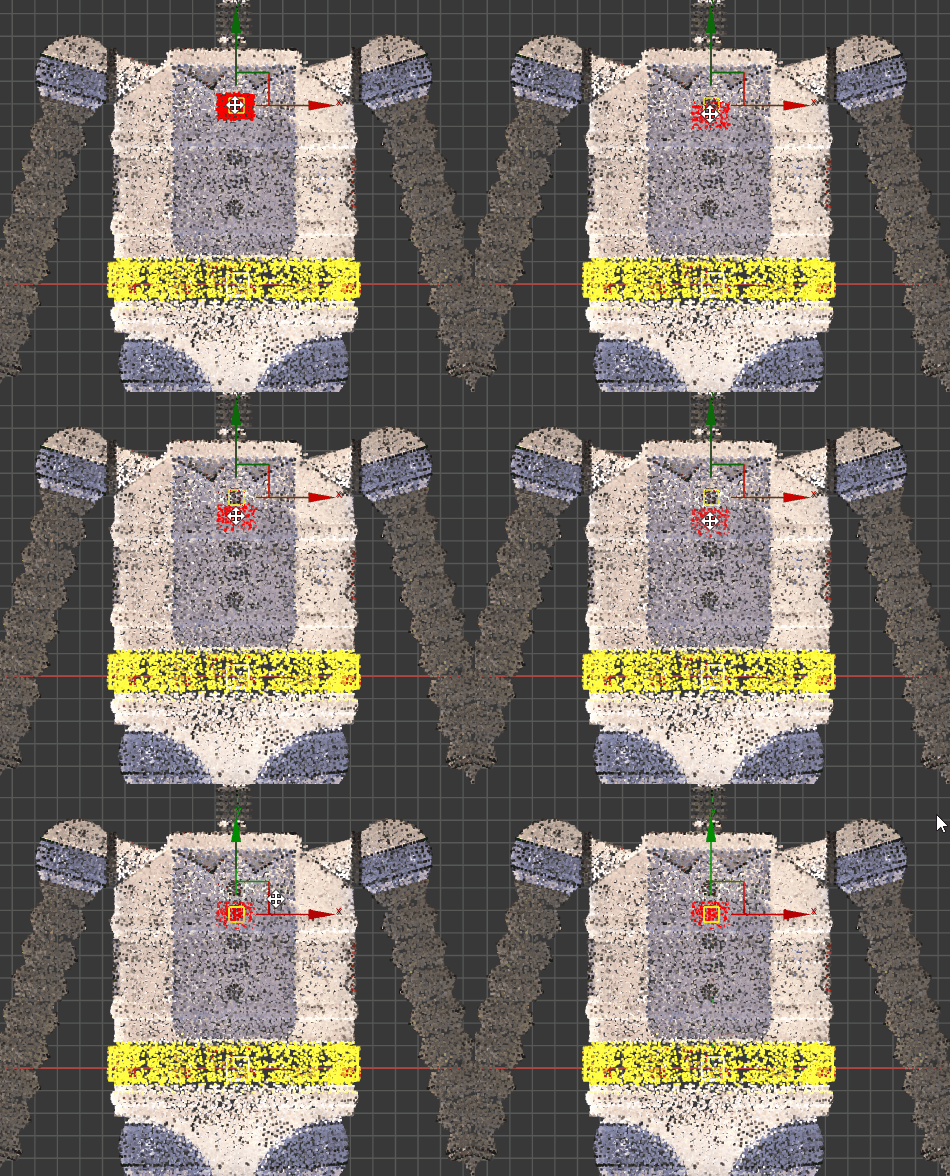
A new button has been cloned.
Continue cloning points until all the extra buttons have been created.