What's New in 3ds Max 2027.1
Welcome to 3ds Max 2027.1! You can access the 3ds Max 2027.1 Update from your Autodesk Account.
Read on to learn about the new features and updated workflows you'll find in this release. For technical details including what's fixed, please see the 3ds Max 2027.1 Release Notes.
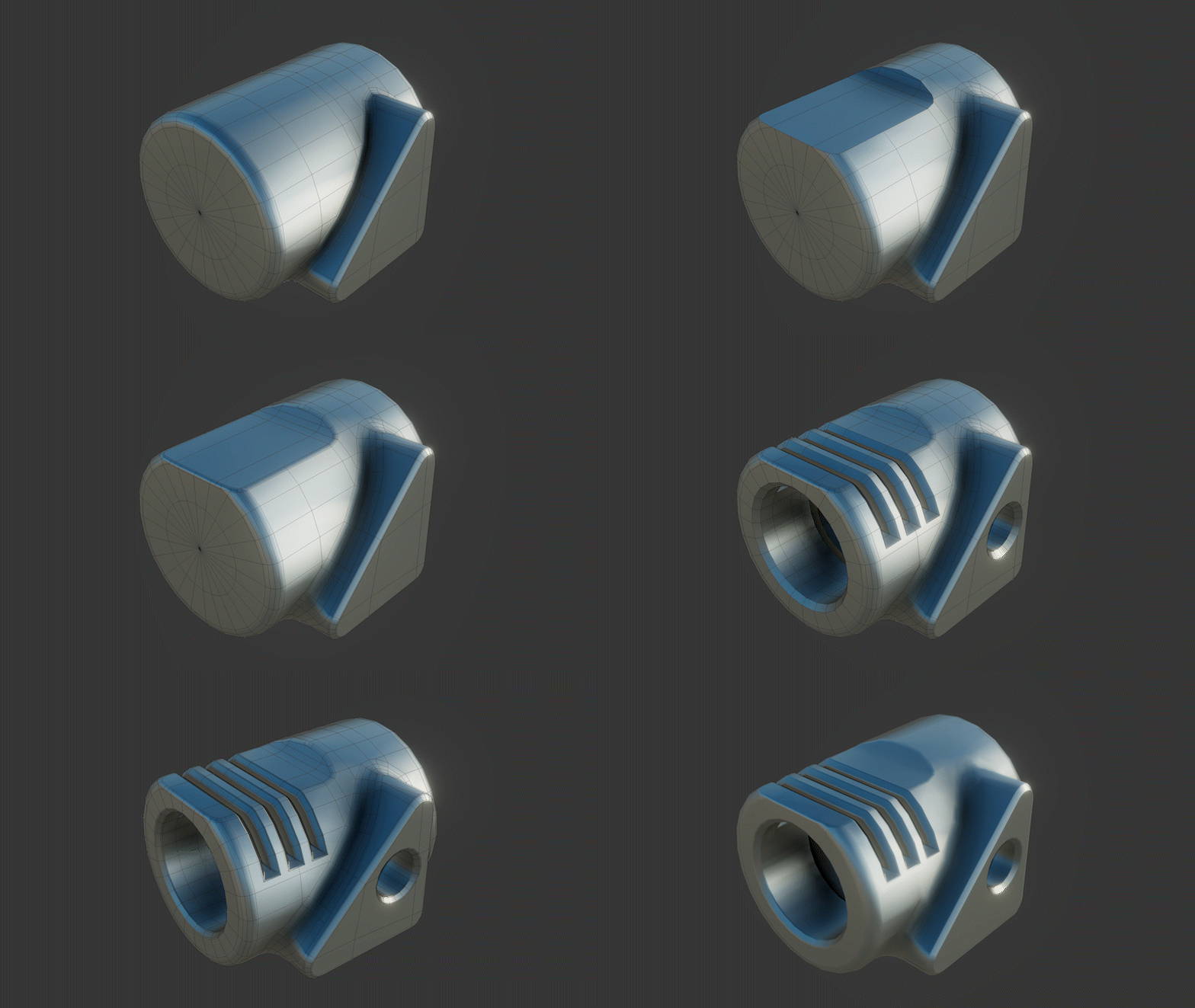
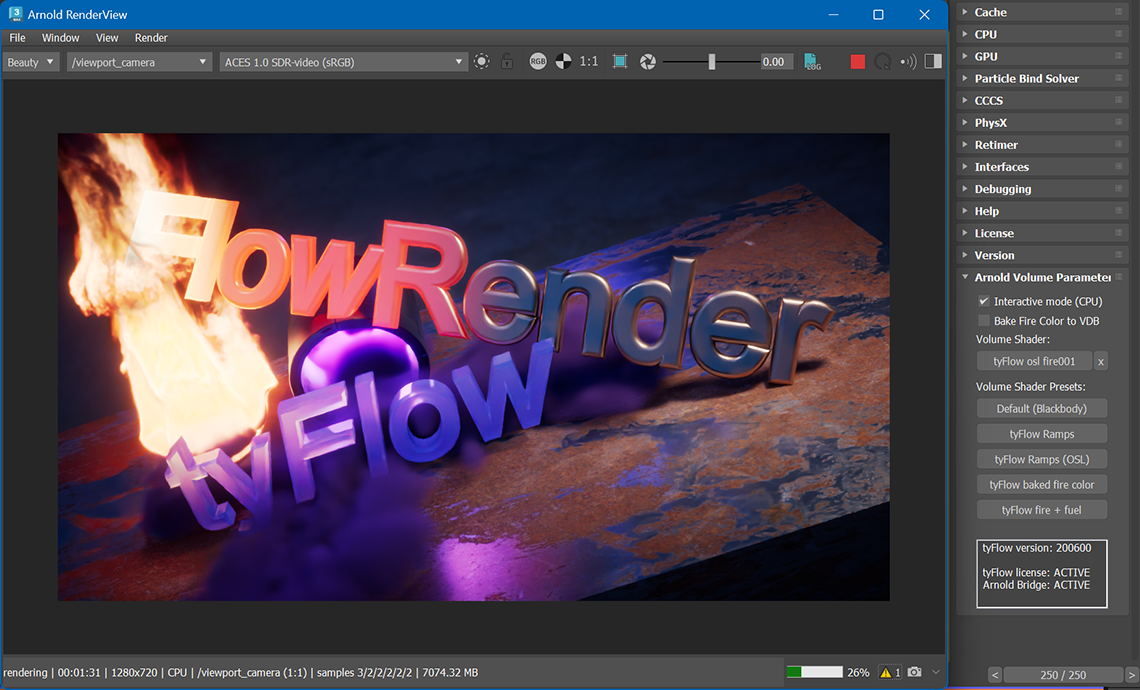
What else is new?
| Multi/Sub-Object Material display | The Multi/Sub-Object Material editor now shows up to 30 sub-material samples at once, up from 10. This helps when you work on high-resolution monitors with more screen space. You can set this through the 3dsmax.ini file or through MAXScript. |
| MAXScript performance | MAXScript property lookups and interface calls are now faster. Scripts that access Parameter Block 2 properties or function-published interfaces run with less overhead. If you use complex MAXScript tools, you should notice better response times. |
| Improved unit handling for file operations | A new section in Preferences > Files lets you control how 3ds Max handles unit differences. It includes a Respect System Units in Files option. You can also set unit behavior for scene file loads, merges, XRef Object files, and XRef Scene files. |
| Slate Material Editor | You can now select the tone map for viewing in the Preview window for maps and materials . See Preview Window for Maps and Materials. |
| Additional environment variables | New environment variables let you control more of your 3ds Max setup. Define custom paths for the splash image, the maxstart folder, and populate data. Other variables let you skip loading plugins from default folders such as the install folder, Program Files, ProgramData, and AppData. These options help you manage custom setups and keep studio builds consistent. |
| USD for 3ds Max 0.15.0 | USD for 3ds Max v0.15.0 focuses on improvements to Asset Resolver, quality of life, and improved integration with the 2027 plug-in ecosystem. |