Specify how rebar sets are shown in a view. Bar presentation schemes simplify the view while maintaining an identifiable footprint in which the rebar set is placed.
- Select the rebar set.
- Click one of the following bar presentation schemes from Modify | Structural Rebar tab
 Presentation panel.
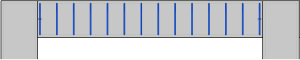
 (Show All)
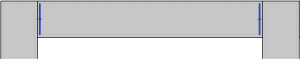
 (Show First and Last)
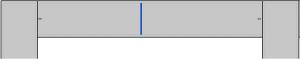
 (Show Middle)
 (Show Middle of Splice Chain)
-
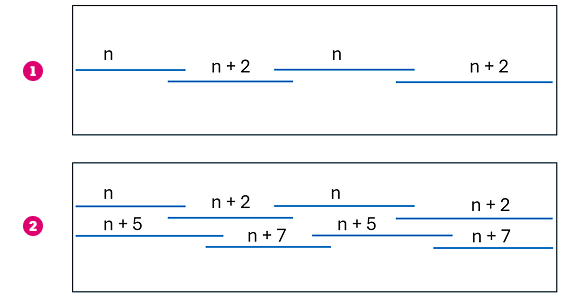
Note: For spliced rebar sets, Middle of Splice Chain turns on the visibility of middle bars across all sets in the splice chain, even when only one set is selected. It uses the following rules for staggered (2) and regular lap splices (1), where n is the bar index, to show overlap in rebar drawings:
- Optionally, click Modify | Structural Rebar tab Presentation panel
 (Visible Bars) to specify individual bars to represent the set.
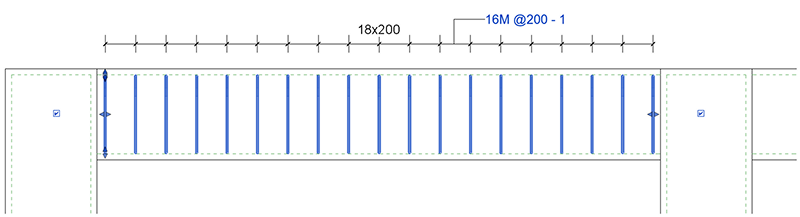
- To select all rebar in a set, click Modify | Select Rebars to show in Rebar Set tab Quick Selection panel
 (Select All).
- To select all rebar in a set, click Modify | Select Rebars to show in Rebar Set tab Quick Selection panel
 (Select None).
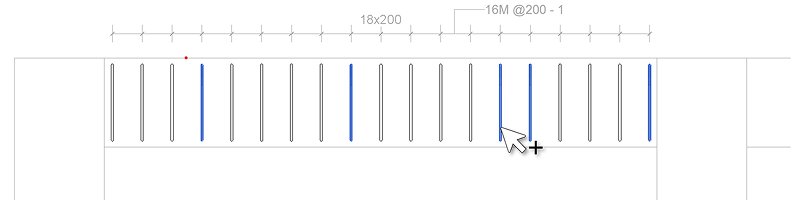
- Click
 (Finish) to apply the presentation changes .
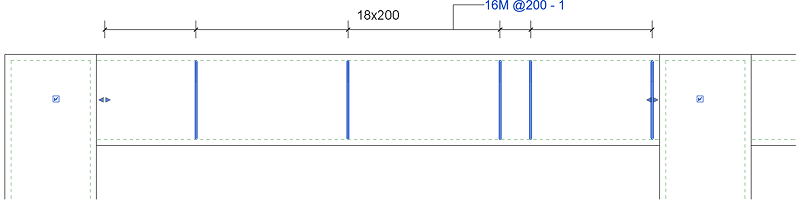
- To quickly select middle bars middle rebars, click Modify | Select Rebars to show in Rebar Set tab Quick Selection panel
(Middle Bar).
- Use the Bars field to specify how many middle bars for each range of the same spacing should be selected - see also Rebar Set Layouts.
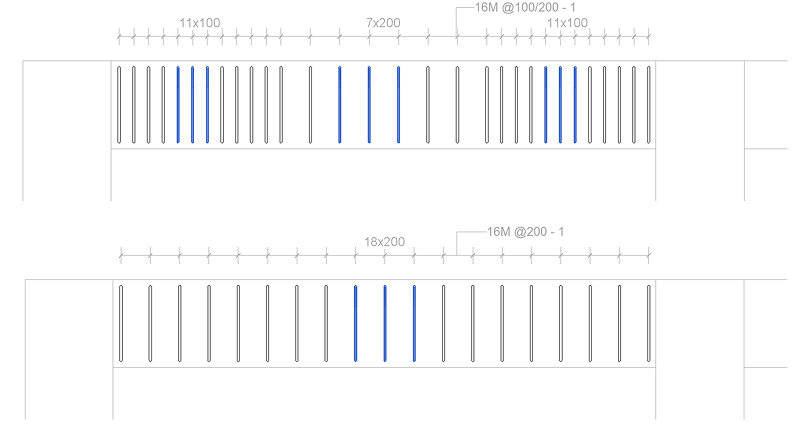
- Click
(Finish) to apply the presentation changes .
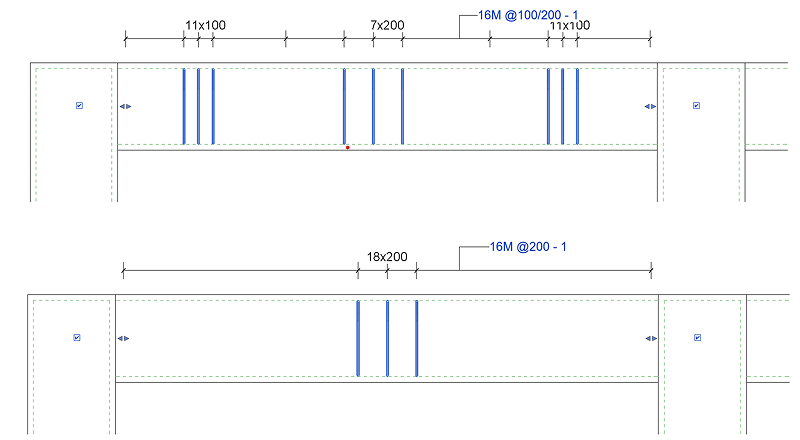
In the drawing area, selected rebar (highlighted) will show in the rebar set, unselected rebar will be hidden.
- To select all rebar in a set, click Modify | Select Rebars to show in Rebar Set tab
- For spliced rebar sets, when you click Modify | Structural Rebar tab Presentation panel
(Visible Bars), there are two other options in the Select Rebars to show in Rebar Set tab:
- When you click
 (Splice Chain) to turn it on and hover over one bar in a set, the corresponding bars in the selected spliced chain(s) are highlighted, shifted by a 1-bar index.
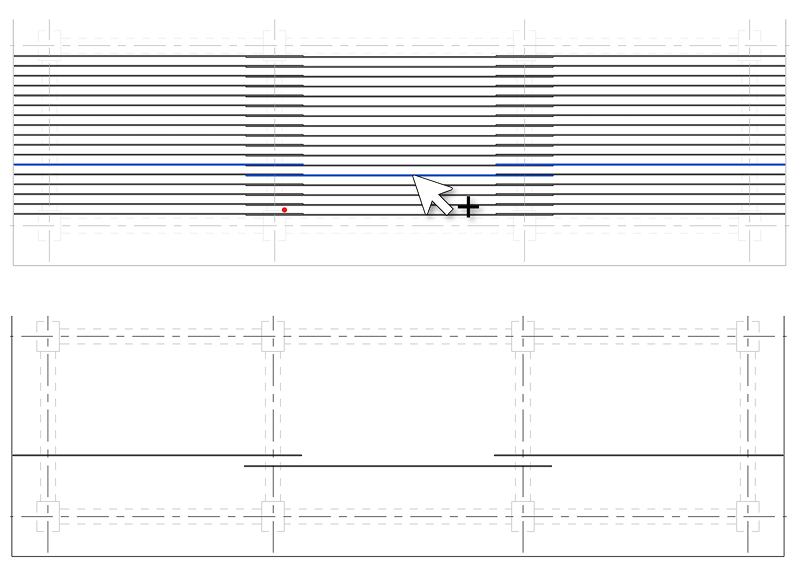
- With Splice Chain on, clicking
 (No Shift) highlights the same selection of bars but without the bar shift.
- When you click
Remember:
- Selecting one set from a splice chain and clicking Modify | Structural Rebar tab Presentation panel
(Visible Bars) brings the bars from all sets in the edit mode.
- You can select all spliced sets from the right-click menu or define a keyboard shortcut for "Select All Spliced Rebar".
- When Splice Chain is off, the Bars field activates where you can specify how many middle bars for each range of the same spacing should be selected.
Note: If previously applied, multi-rebar annotation will adjust to the visible rebar in the set. The following rules apply:
- The first and last bar in the set will have witness lines, regardless of their visibility.
- Otherwise, only visible bars display witness lines.
- Equality formulas will adjust the Multi Rebar Annotation accordingly.
Default Bar Presentation for Rebar Sets
Specify the default bar presentation for rebar sets in the Reinforcement Settings dialog.
The settings below are found in the Reinforcement presentation section of the Reinforcement Settings dialog:
- Click Concrete tab Settings panel
 (Reinforcement Settings).
For both Rebar Set in view and Rebar Set in section, specify one of the following presentation styles:
| Show All |
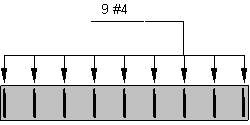
|
| Show First and Last |
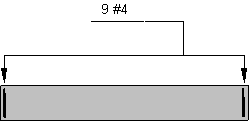
|
| Show Middle |
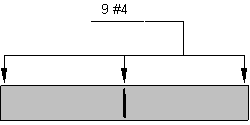
|
Note: Annotation has been added to these examples as reference only. Multi-rebar annotation must be added separately.