View custom properties in a hub
Fusion Manage requires a separate license and can be used with Fusion or independently. Learn more.
 next to the hub name to confirm you're using a collaborative editing hub. Learn about collaborative editing.
You can view all custom properties defined in your hub in the Admin section of the Fusion web client. The list shows each property's name, description, field type, visibility, and copy value.
Open the Fusion web client.
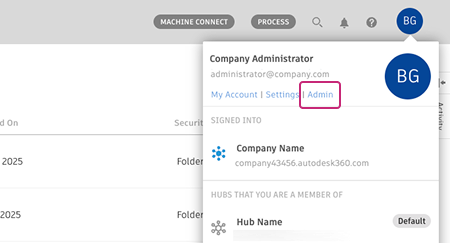
In the upper-right corner, click your profile image, then select Admin > Custom Properties.
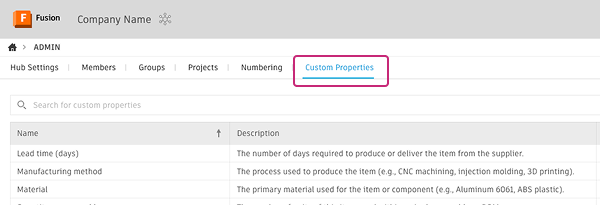
Review the details in the table:
- Name: The unique name of the property
- Description: A short explanation of the property
- Field type: The type of data the property stores
- Visible: Indicates whether the property appears in Fusion experiences
- Copy value: Indicates whether the property value is copied during operations such as Save As
(Optional) Use the search box to find a property by name.
(Optional) Click a property row to open the details panel, where you can view or edit the property settings.
Sort and filter custom properties
Use the sorting and filtering options in the table to quickly find the properties you need.
Sort properties
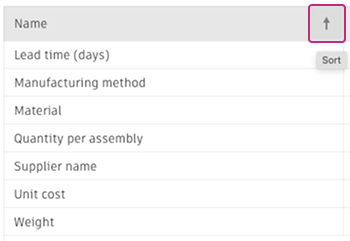
By default, custom properties are listed alphabetically by name. To reverse the sort order, click the sort icon  in the Name column header.
Filter properties
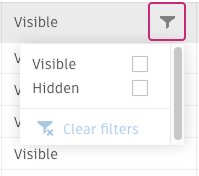
You can filter the list to show only properties that match specific settings.
Click the filter icon  in one of the following column headers, then select the value you want to filter by:
- Field Type
- Visible
- Copy Value
The table updates to show only properties that match the selected filter.