Work with Markup on Attachments
Add comments, callouts, shapes, and other types of markup to design and drawing attachments.
Add markup to an attachment that is open in the viewer
Click Markup
 at the bottom of the window.
Use the provided tools to add markup.

Types of markup supported:
- Freehand

- Text

- Callouts

- Cloud shapes

- Straight lines and shapes

- Arrows

- Line
 and fill
  color
color
- Freehand
Manage your markup
To download a screenshot of your markup, click Save > As screenshot in the Markup Management bar.

To save your markup with the design, click Save > As data.
The markup is recorded in the Markup Browsing Panel on the left side of the window.
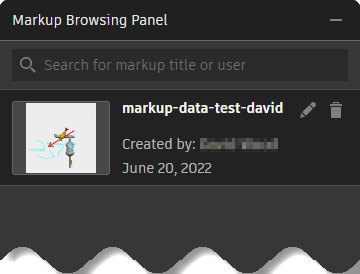
To load a recorded markup, click it in the Markup Browsing Panel.
In the Markup Browsing Panel, you can rename
 or delete
  saved markups.
To clear markup and start over without deleting any saved markup, click Create New in the Markup Management bar.
Click Done to return to the attachment viewer.
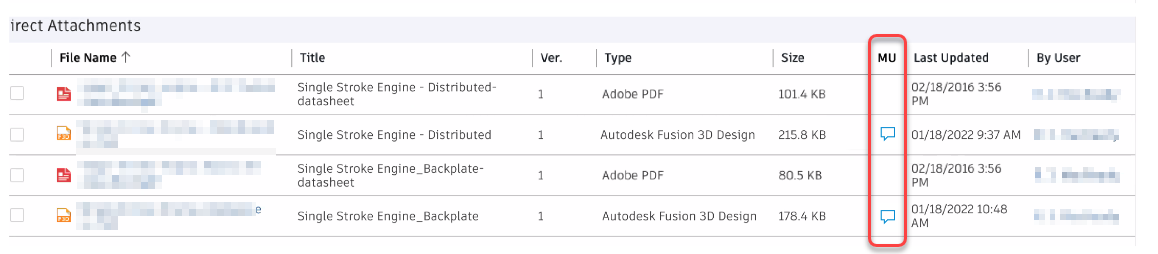
In the Attachments tab, icons  indicate the presence of markup.