Set item effectivity
Pick an effectivity date for a managed item in a revisioning workspace. Use this when your administrator enabled effectivity for the target lifecycle state.
Open the revisioning workspace that manages the item release.
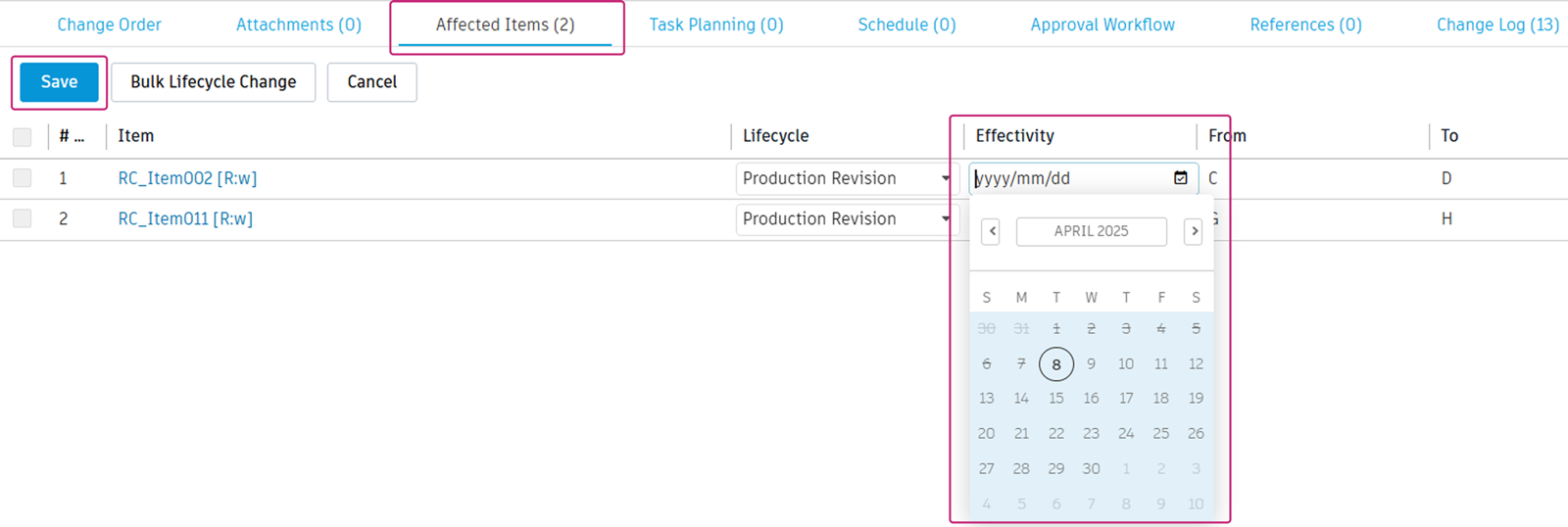
Click the Managed Items tab.
Note: Your administrator may have renamed this tab (for example, Affected Items).Click Edit.
Effectivity defaults to On Release. When the lifecycle state uses effectivity, the date picker appears.
Pick the future date when the item becomes effective.
Click Save.
When effectivity is off, the system still stores a date from the change order release. Every item has a start date.
Note: You set only the start date. The end date is the day before the next revision starts. This keeps date ranges from overlapping between revisions.