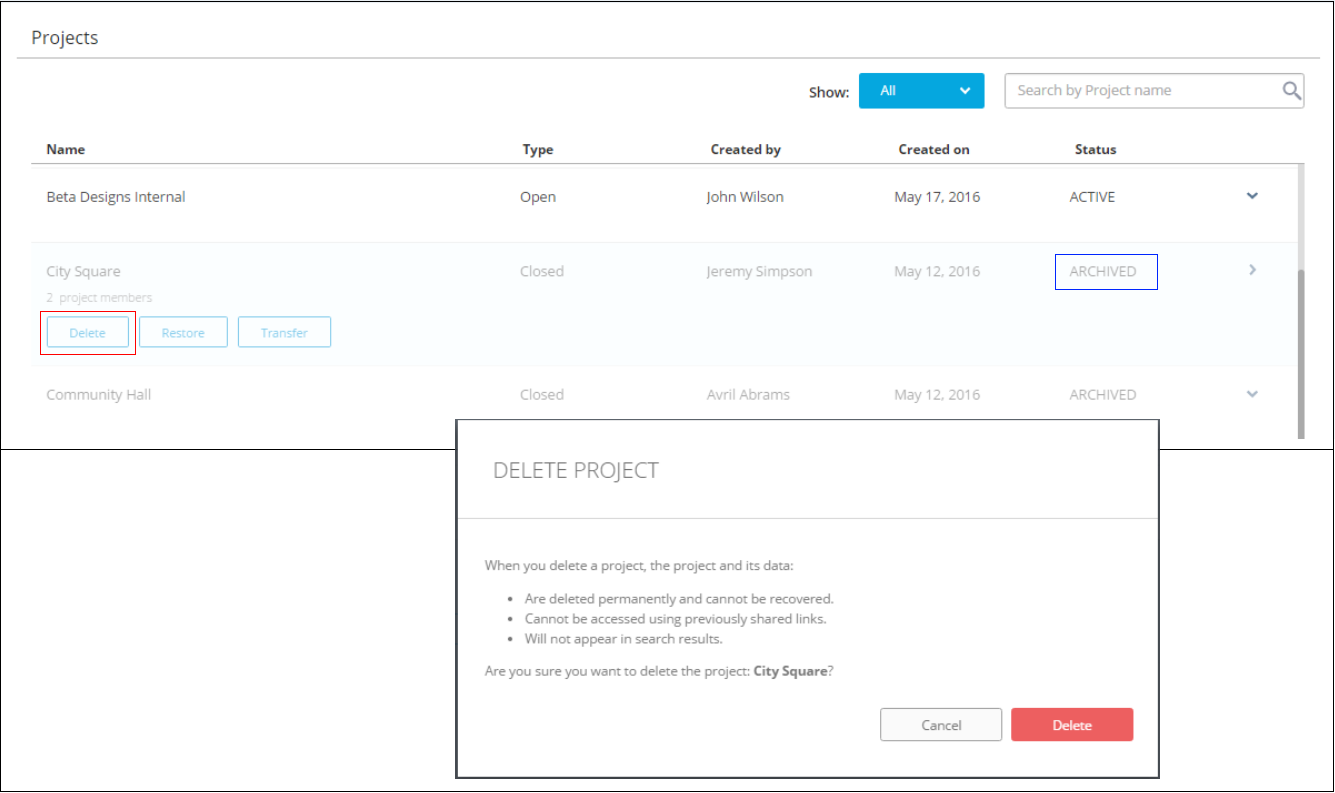
Team Administrators can delete archived projects.
Once you delete a project, all data for that project is irrevocably deleted. Links to items that were shared will not work and the project and its content will no longer be available in search results. Deleting a project is one way to free up storage space for your hub.
- In the Admin console, switch to the Projects tab.
- Find the project, hover over it > Archive.
- Click Delete > Delete.