
Turn on Smart Controls
Smart controls are turned off by default. A project administrator needs to turn on the setting before anyone can create a smart control.
Note: Smart controls is being rolled out in phases. If you can't see the smart controls setting, then it's not available for you yet.
Click the Files tool.
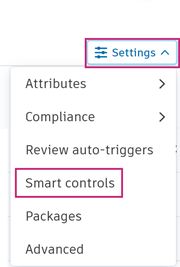
Click Settings.
Click Smart controls to open the Smart controls setting tab.
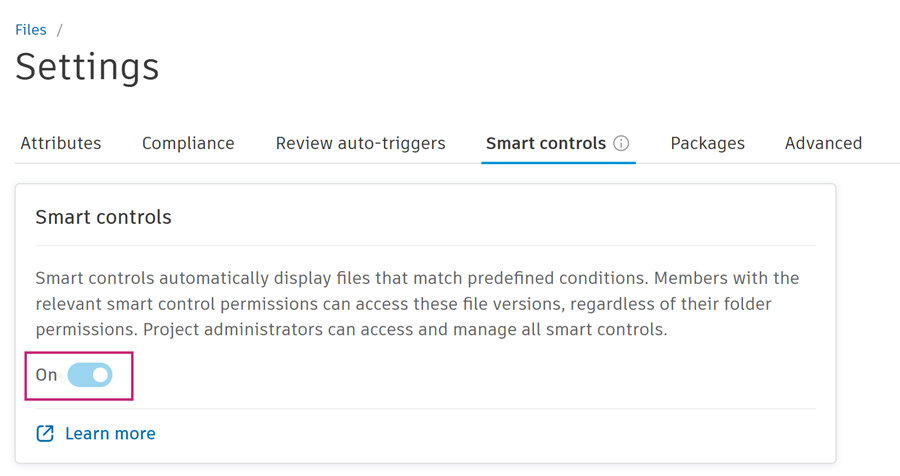
Click the toggle to turn on Smart controls.
A dialog warns you that you can't turn off smart controls after you turn them on.
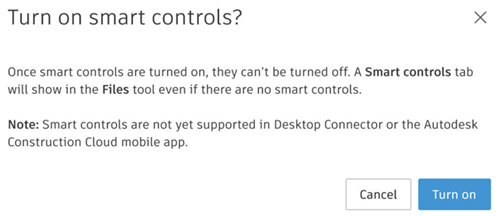
Click Turn on.
The Smart controls tab now displays in the Files tool even if no smart controls exist. See Create Smart Controls to create smart controls.