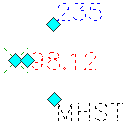
- Click the point label.
The point marker
 and label
  grips are available. Note: You can use the grip to move the point marker and label simultaneously.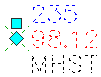
- Hover the cursor over the grip. Click Toggle Sub Item Grips.
The individual point label
grips are available. 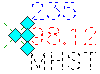
- Click a grip and move the label component to the new location.