
- On the ribbon, click Structure tab
 Cutting panel Cut Back Member.
 - At the command prompt, enter b (Both).
- In the drawing area, click the first structural member whose boundaries you want to cut a second member to.
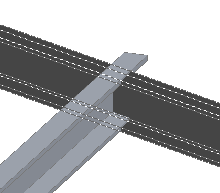
- Click the other member you want to cut.