The deck style of a bridge uses road styles that have 3D model decorations such as medians, barriers, handrails, and fences. These styles are stored in the Street/Bridge Deck style catalog on the Road tab of the Style Palette.
- Add a bridge to your model or select an existing bridge.
- Select the bridge if it is not already selected. Do not close the bridge asset card.
- Click
 to enter Edit mode.
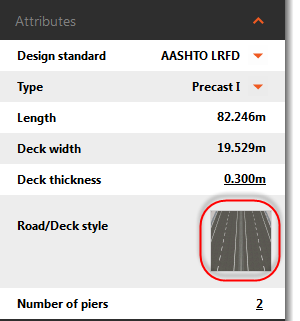
- Expand the Attribute section.
- Click the thumbnail image in the Road/Deck Style field.
- Choose a style from the Street/Bridge Deck catalog that appears and press OK.
You can also create and edit your own bridge deck styles with the Style Palette.