Learn about new features in this release of AutoCAD Architecture 2026 toolset. For technical details, see the release notes.
2026.0.2 Highlights
Change from .NET 8.0 and 10.0: Microsoft will stop providing updates for .NET 8.0 after November 10, 2026. For this reason, Autodesk and other software developers are encouraged to transition to .NET 10.0. Custom applications targeting .NET 8.0 should continue to function, except in cases where changes or removals in .NET 10.0 introduce compatibility issues.
2026 Highlights
Quality improvements
- Using Content Browser search functionality
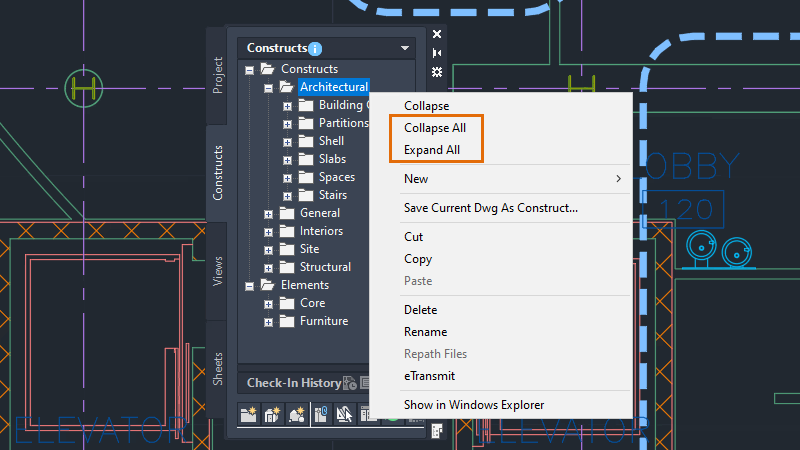
- Working with inaccessible paths in Project Navigator
- Repathing a project
Mass Element: Grip points now correctly stretch along the grip point.
Project Navigator: Text now remains intact when navigating through the dialog box.
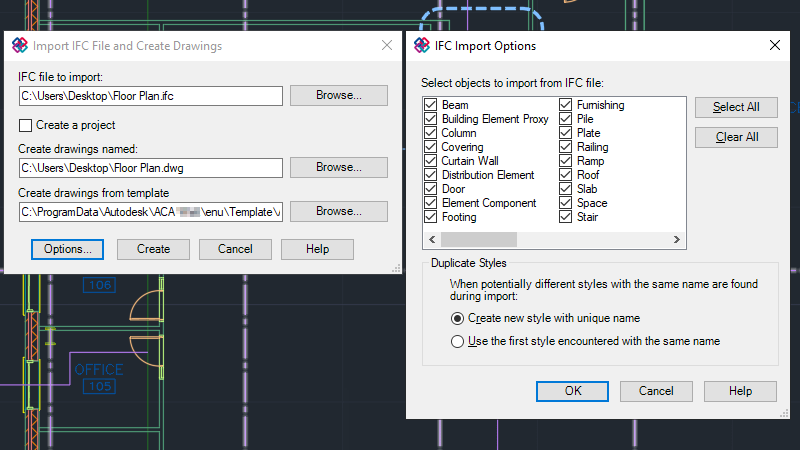
IFC Import: Truncated file paths now successfully import.
IFC Export: Consecutive exports now maintain the correct IFC structure. System errors during some IFC exports are also fixed.
Additional enhancements
GDI Plot Enhancement: We improved compatibility with Windows system printers, handling custom configuration settings more effectively. This enhancement is enabled by default. Plot using your preferred Windows system printer as usual. The printer's custom settings will be used during printing and saved to a .PC3 file.
GPU Text: The selection effect of GPU text has been enhanced to improve display quality. A new option in the Graphics Performance dialog box provides better control over the display of TrueType fonts while using GPU acceleration. GPU text processing has been optimized for Chinese, Japanese, Korean, and right-to-left languages like Arabic and Hebrew.
Changes to the FASTSHADEDMODE System Variable: We added two new visual styles with FASTSHADEDMODE support, Hidden and Conceptual. FASTSHADEMODE improves navigation performance in large 3D models when using a visual style with (Fast) in the name.
Performance Improvements: Raster images now load asynchronously in the background during the opening of a drawing file.