Boolean Modifier Display Rollout
 Modify panel > Make a selection > Modifier List > Object-Space Modifiers > Boolean > Display rollout
- Default menu: Make a selection > Modifiers menu > Parametric Deformers > Boolean > Display rollout
The Boolean modifier's Display rollout provides controls to set the display of the boolean operands.
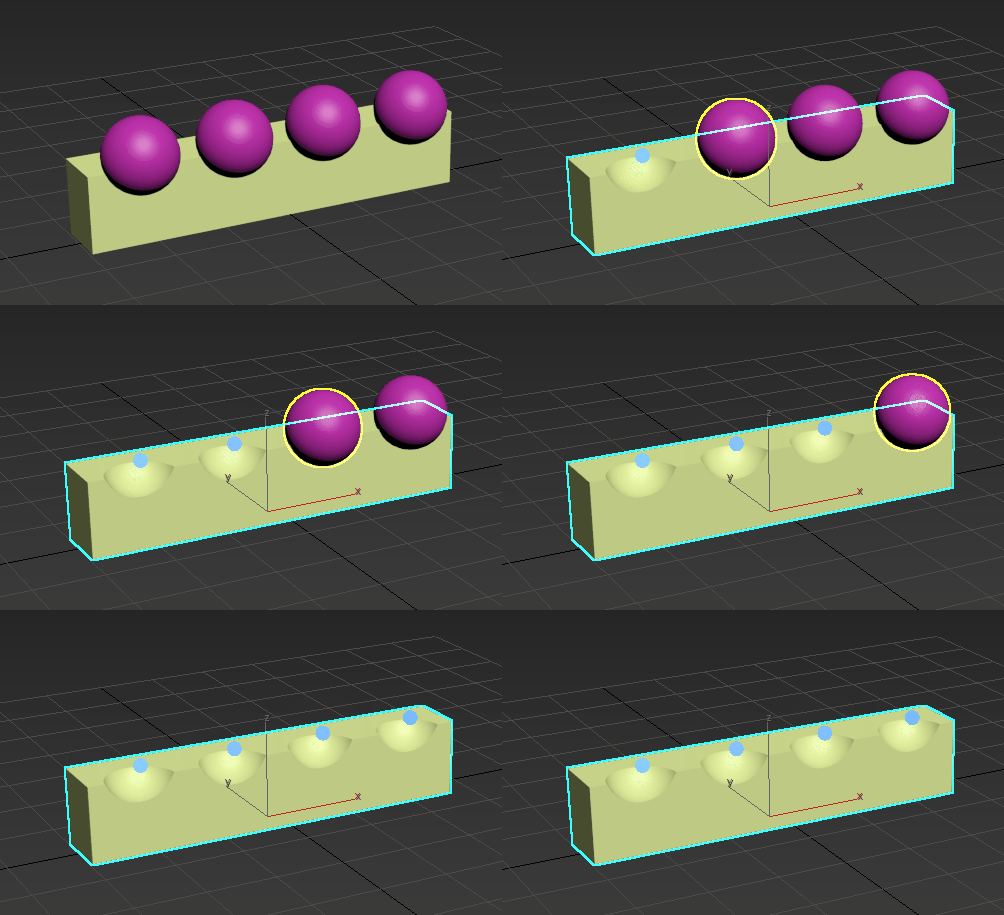
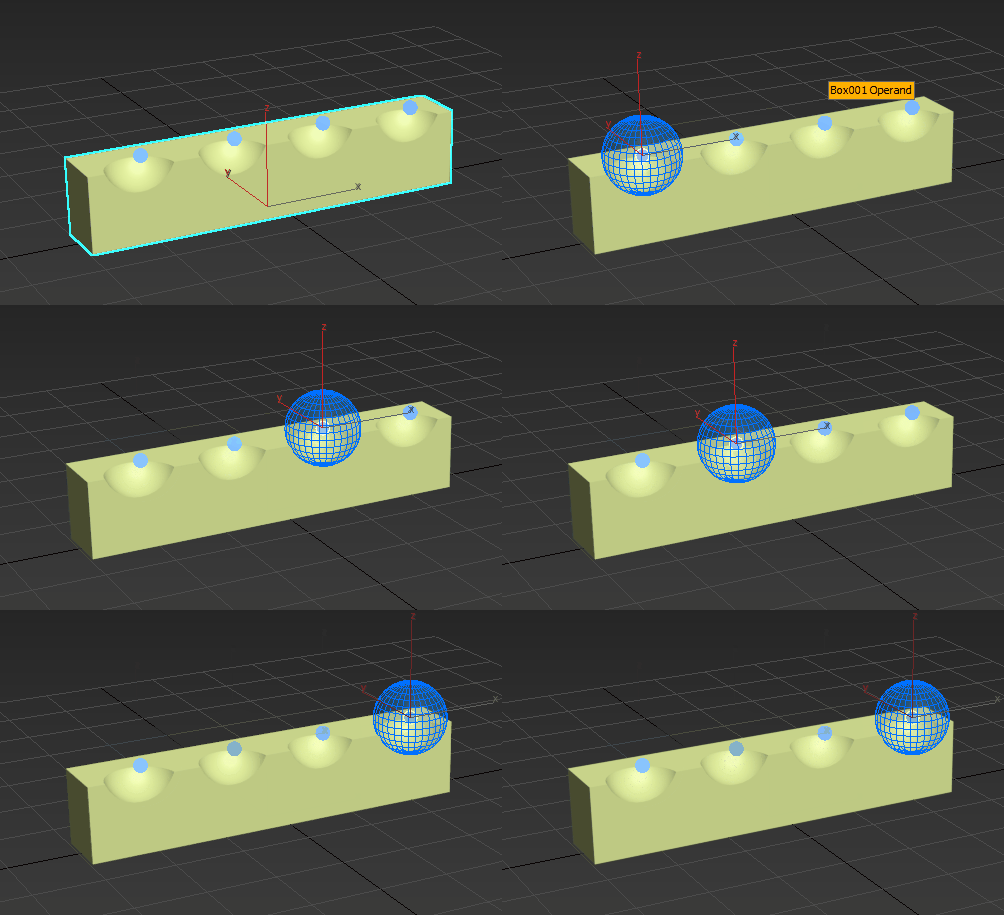
In the following examples, four spheres have been subtracted from a box. Manipulate Operands is turned on, displaying blue operand handles.
Interface
Display Selection
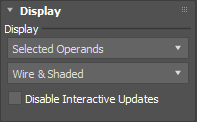
Sets how the boolean operation is displayed in the viewport.
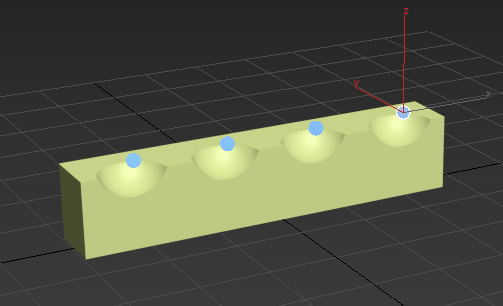
Results: Displays the results of the boolean operation. No operands are visible.
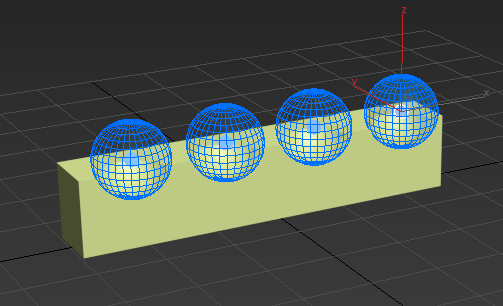
Operands: Displays all the operands that are part of the selected boolean.
Selected Operands: (Default) Displays an operand when it is selected in the viewport.
Display Mode
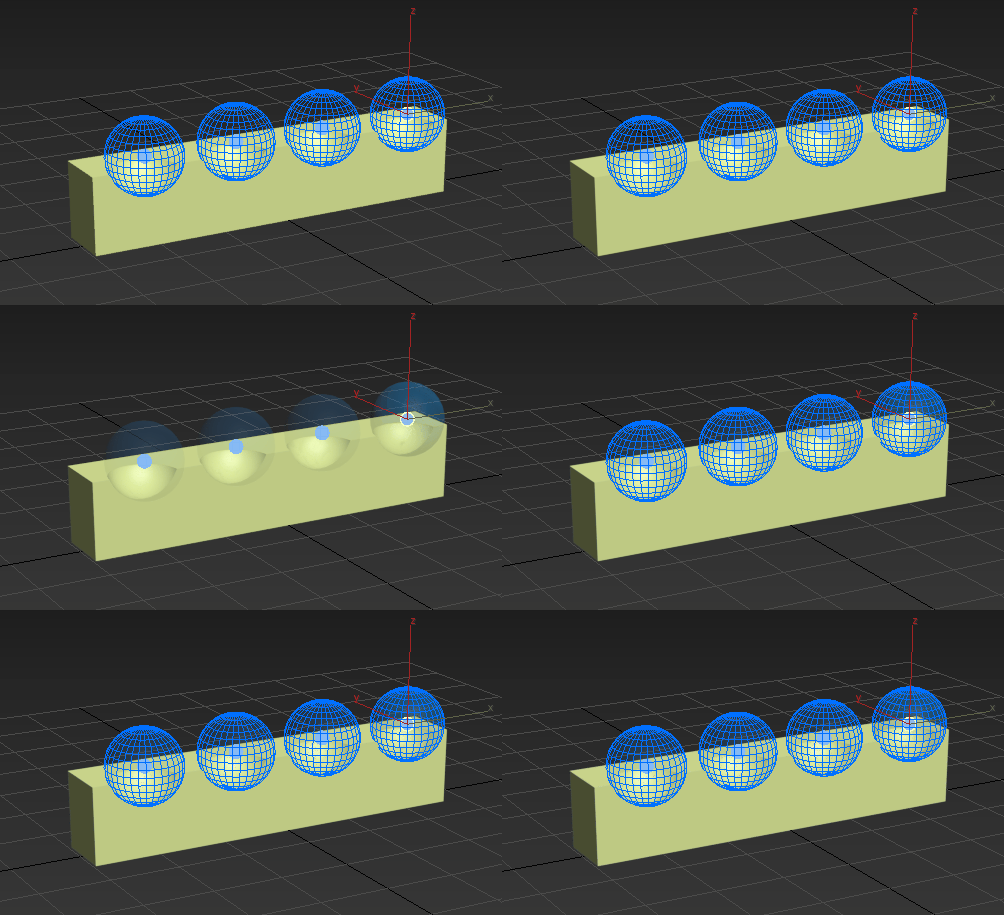
Sets the display mode for the boolean operands.
- Wire: Displays objects as a wire mesh
- Shaded: Displays objects with shading
- Wire & Shaded: (Default) Displays objects as a wire mesh with shading
The following example cycles through the modes in the following order: Wire, Shaded, and Wire & Shaded.
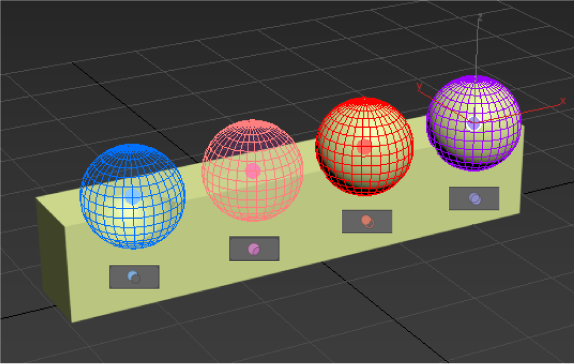
The color of the operand's wireframe and manipulator changes depending on the type of operation that is performed. In the following example, each operand is assigned a different boolean operation to illustrate this feature: subtract  , split
  , insert
  , and merge
  .
.
Disable Interactive Update
Turn on to mitigate slow interactive performance. When off (default), the boolean continuously refreshes whenever the mouse button is pressed. When on, the boolean only refreshes when the mouse button is released.