Switch between BOMs
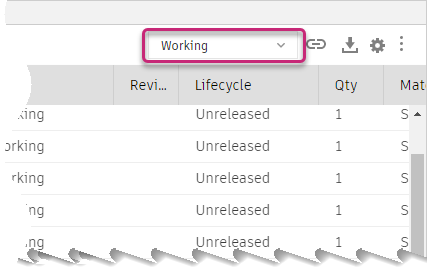
Use the switcher at the top right of the Bill of Materials to show different BOMs for the design:
 .
.
Note: If you're using Fusion for education, the Bill of Materials will look slightly different for you.
Working: BOM for the design you are currently working on and have saved.
For Fusion Manage subscribers:
- The BOM is not part of a change order.
- If a component has had a revision applied to it, subsequent changes to that revision (including on the component's children) are not included.
Pending: BOM that is part of a change order but not released yet.
Released: BOM for the most recently released version of this design. This can vary, depending on referenced components and other factors.
Tip: To see BOMs for older versions of the design, go to the version in question and open the Bill of Materials window. See Versioning.