
Classifications in Library
Hub administrators and standard administrators can create and manage library classifications for their hub from the Classifications card in Library within Hub Admin.
Classification structures organize project data with consistent codes and information hierarchies. They can follow industry standards such as MasterFormat, UniFormat, or Uniclass, or your own company-specific structure. Classifications act as a shared team language for your hub or project and make project data easier to find, track, and analyze.
Managing classification structures from your hub in Library lets you standardize and reuse codes across all your projects and project templates.
Navigate to Classifications in Library
From Hub Admin, click Library in the left navigation.
Click the Classifications card to open the Classifications library page.
On the Library page, the Classifications card shows the most recent classification changes for the hub, including the date and user information.

On the page, you'll see the list of classification structures available for use in projects in your hub. Clicking an item in the list will open that structure.
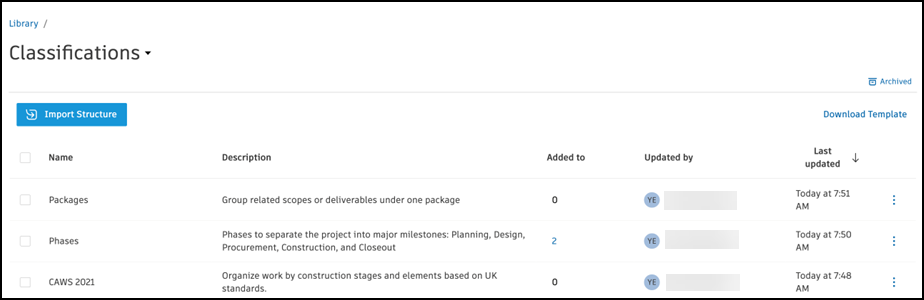
On the Classifications page in Library, you can:
- Create classifications
- Edit classifications
- Archive and restore classification structures
See Managing Classifications in Library for more information.