
Select items and use Search to find items in longer lists.
The dialog is displayed when the ellipsis button adjacent to a drop-down list is clicked.
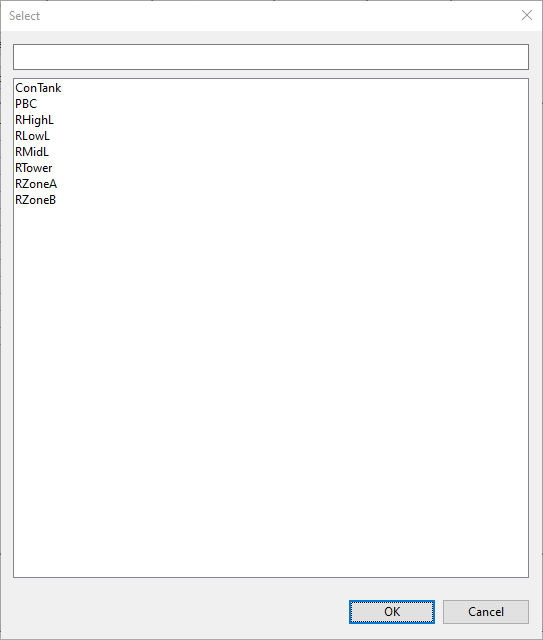
| Item | Description |
|---|---|
| Search box | Typing into this box will change the list in the results area to include only those items that match what you type. |
| Results area |
Initially shows all items. Subsequently shows the results of any search. Clicking an item in this area selects the item for use on the preceding dialog and closes this dialog. |