The Create Primary Line with Neutral option on the Electric Overhead panel of the ribbon automatically inserts a neutral line as you draw the primary line. There are several ways you can specify the neutral model.
- Use the default neutral setting from ribbon. Click Home tab
 Electric Overhead panel down-arrow. Use the Neutral list to select a neutral model.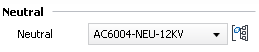
- Use the Unspecified neutral setting from the ribbon.

- Use the Industry Model Configuration dialog box to associate the appropriate neutral model with the primary conductor. Click Configuration tabSetup panelIndustry Model. Click ElectricConductor and select the primary conductor of interest. Scroll over to the Neutral Model Name column and enter the neutral model name.
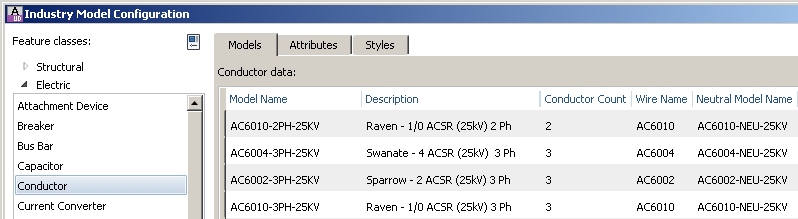
- The neutral model is also correctly specified if you draw the primary line and neutral line manually using AUDLINEFEATURE. If the neutral model name is not specified, the model is set based on the model associated with the primary line in the Industry Model Configuration dialog box.