Tutorials
This learning area includes a series of lessons that guide you through the core Fusion Electronics workflows. Using a real model, you will become familiar with the Electronics workspace and its basic tools.
Tutorials organization
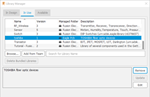 |
Tutorial: Manage electronic component libraries In this tutorial, you find and download component libraries needed for your electronics design. |
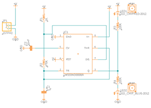 |
Tutorial: Create a schematic design In this tutorial, you work on the schematic design portion of the process to: place components, manipulate components, wire the schematic, add power, and define values. |
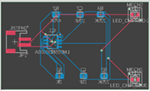 |
Tutorial: Create a PCB layout In this tutorial, you start with a schematic design and create a PCB by: defining the PCB shape, placing components, and routing the connections. |
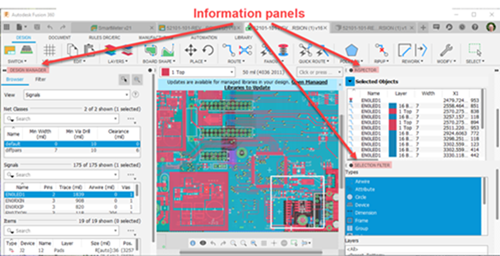 |
Tutorial: Review and edit project data In this tutorial, you explore project data and make bulk changes using information panels. |
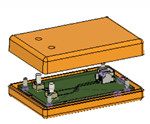 |
Tutorial: Mechanical to Electronics Workflows In this tutorial, you: define the size of the PCB in the Design workspace, design the PCB in the Electronics Design workspace, and create a multicomponent design of the PCB with its enclosure in the Design workspace. |
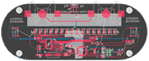 |
Tutorial: Manual routing In this tutorial, you practice using the controls for the Route Manual tool, including shortcut keys used with the tool. |
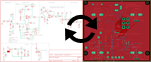 |
Tutorial: Synchronizing designs In this tutorial, you use the Synchronizer to restore synchronization between the schematic and the board, and compare the components used in different design variants. |