Download BOM Attachments
If an item in the BOM has attachments, you can view and download them.
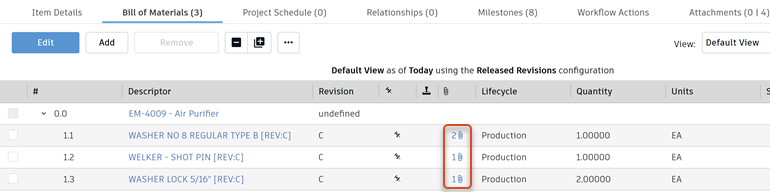
Click the item's Attachments icon
 .
.This opens a tab listing all attachments for the item.
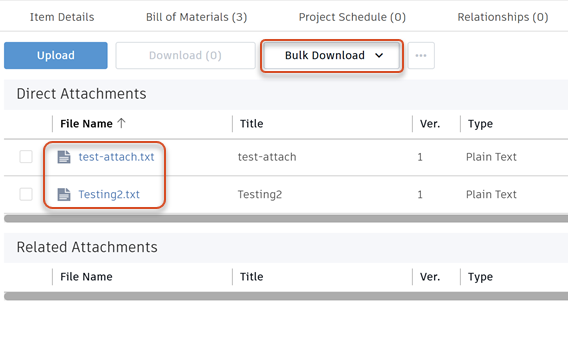
Do one of the following:
Click an attachment name to download it.
If there are multiple attachments for the item, click Bulk Download and select which types of attachments to download.
Multiple attachments are zipped and downloaded as one file.