
- In the drawing, right-click on pipe.
- In the shortcut menu, click Add Weld to Pipe.
- Hold down SHIFT and right-click in the drawing area, click an object snap (for example: Midpoint).
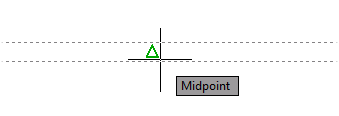
- Specify a point on the pipe.
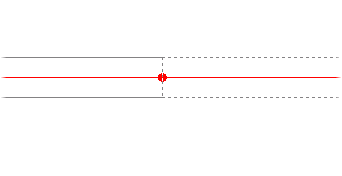
- To place the weld at a precise distance from the end of pipe and dynamic dimensions are enabled, do the following:
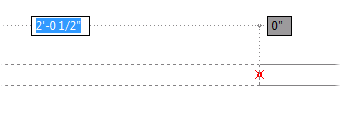
- If you are tracking from the wrong end of the pipe, enter b (Base Component) and specify the other end.
- Enter a distance in the tracking box.
If you want to change the weld type of an existing weld, you can use the Properties palette.