Learn about new features in this release of AutoCAD Plant 3D 2027 toolset. For technical details, see the release notes.
Updates
2027.1 Highlights
Additional Enhancements
- Checkout now works correctly when users with Edit permissions open a drawing file as read-only with the Model tab current.
- Nested Equipment block attributes are now displayed on the Properties palette when the new PLANTSHOWATTRIBUTES system variable is set to 1.
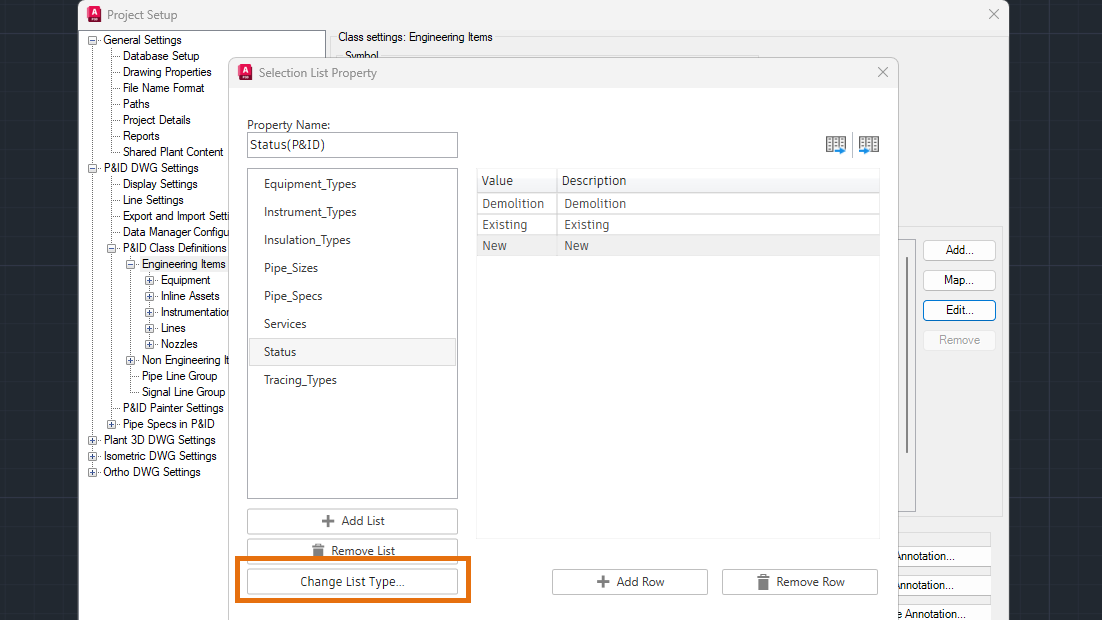
- Changes made in the Selection List Property dialog box are now automatically updated in the Painter Style Settings list.
- A new Autoselect checkbox has been added to the Size drop-down list in the Pipe Spec Viewer. When disabled, sizes can be selected independently without synchronization between the Ribbon and the Pipe Spec Viewer.
- Cutback elbows now display correctly when converting lines to piping.
- Dimensions now display for skewed tees located at ISO ends after setting ForceSkewDimension to true in the IsoConfig.xml file. For existing projects, this setting must be added manually.
- Lists in multiple dialog boxes now sort alphabetically by default.
- Restarting the application is no longer required when reloading updated custom Python scripts.
- Errors no longer occur when running the PLANTREGISTERCUSTOMSCRIPTS command with specific Python scripts.
2027 Highlights
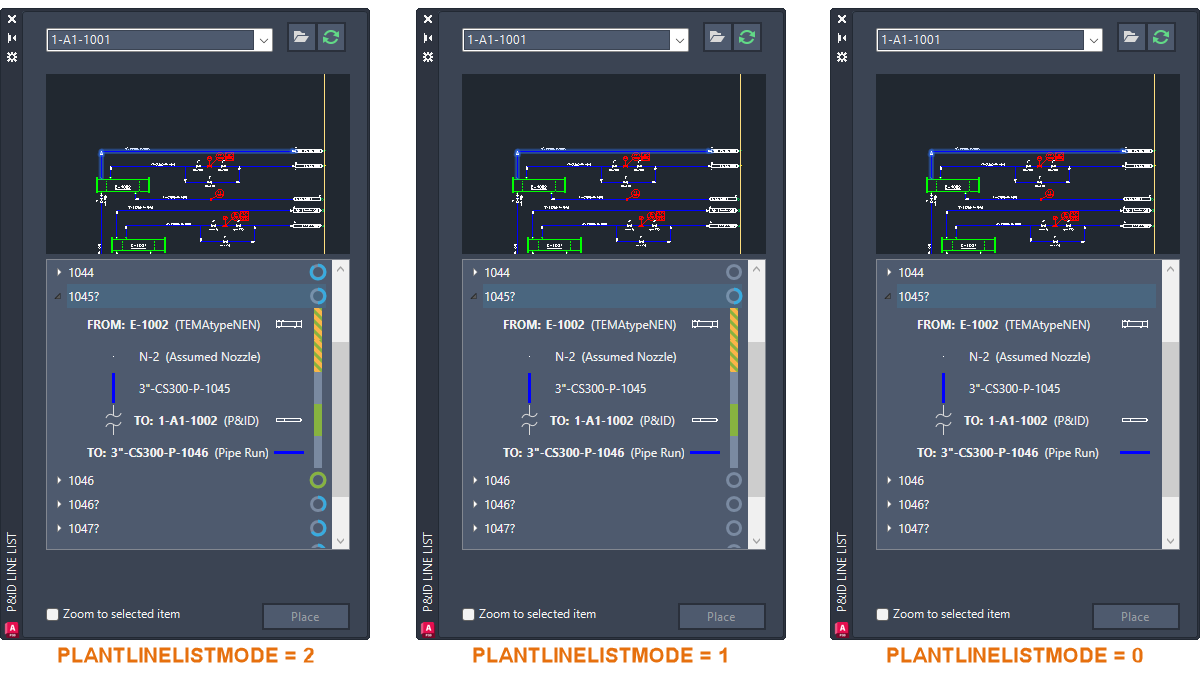
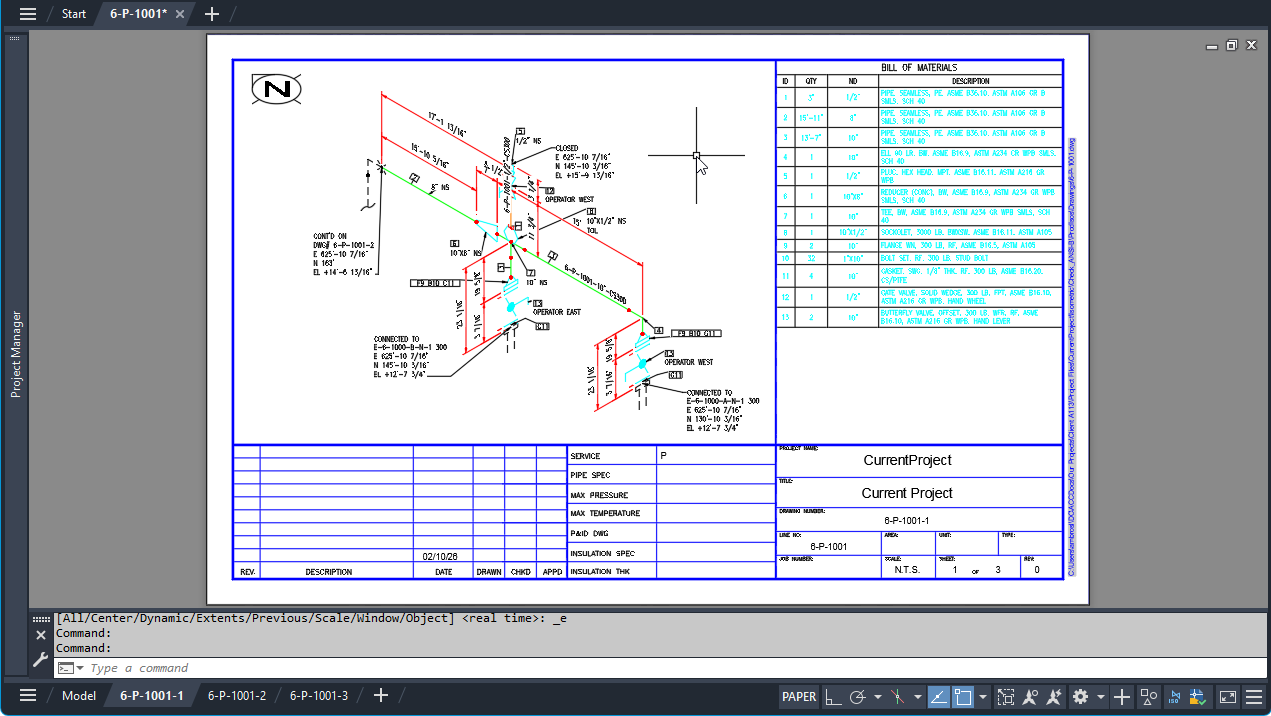
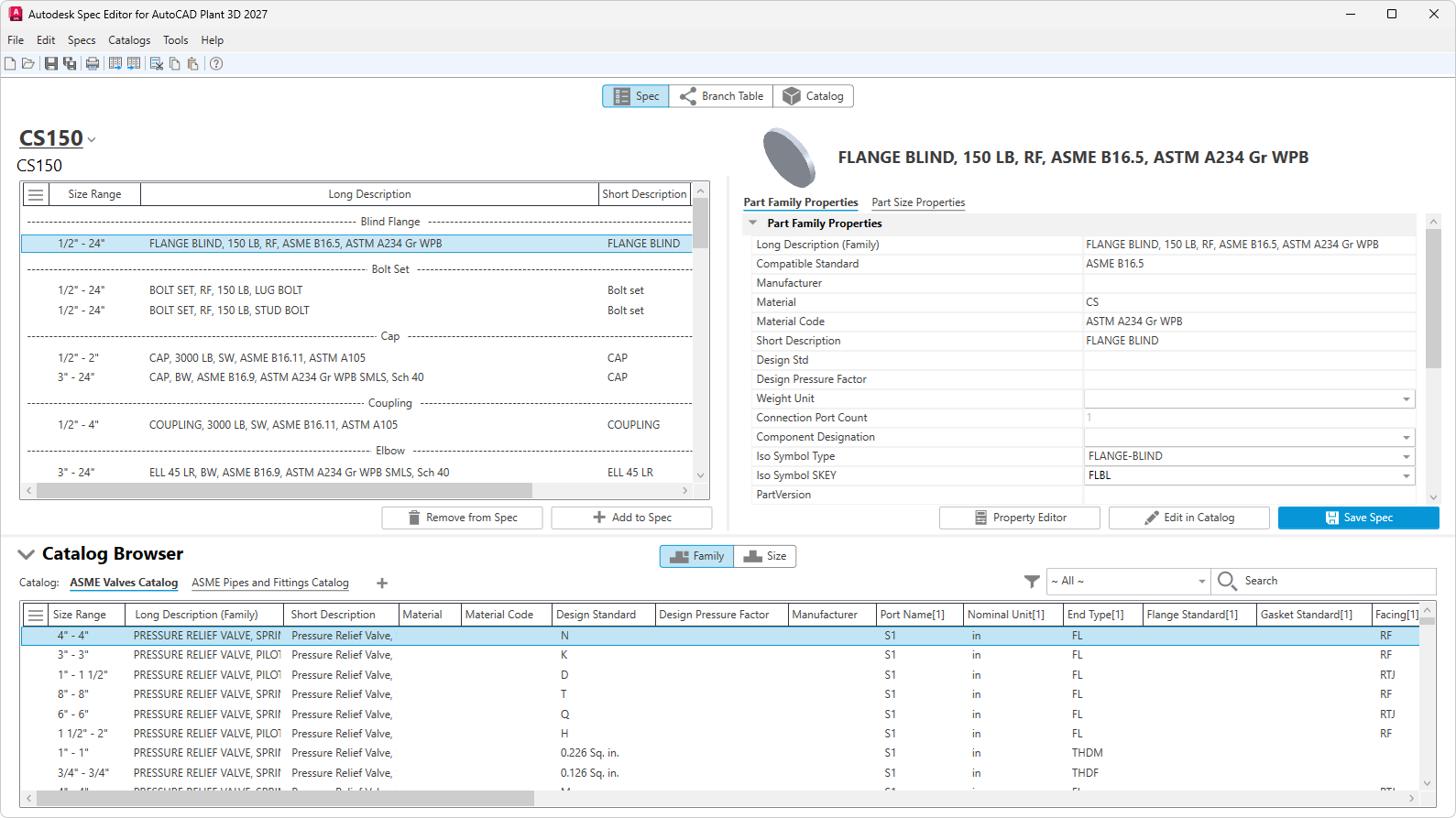
Additional Enhancements
The latest updates to AutoCAD Plant 3D introduce new features and improvements designed to increase efficiency and enhance the overall user experience.
Key enhancements in this release include:
- Lists in multiple dialog boxes are now sorted alphabetically by default.
- ISO template files can now be specified from an external location for collaboration projects.
- The PLANTATTACH command now supports additional file formats for collaboration projects; previously, only the DWG format was supported.
- All Autodesk Docs-related strings and user interface dialog boxes have been updated for Forma Data Management.
- The Realistic (Fast) visual style is now on by default for 3D models. It enhances our cross-platform 3D graphics system (FASTSHADEDMODE system variable), providing stable and efficient performance in the feature-rich Realistic mode.