
Atmospheric
Use these presets to create weather-like effects, such as clouds, rain, or snow.
| Proxy | Name/Description/Comments |
|---|---|
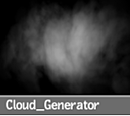 |
Cloud_Generator A one-frame cloud. Use Number and Size settings. Try with the texture's Axis settings and the geometry's Magnitude and Scaling settings. |
 |
Fog Use Number, Lifetime, Size, and Speed to characterize the fog. |
 |
Heavy_Fog Use Number, Lifetime, Size, and Speed to characterize the fog. |
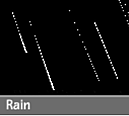 |
Rain Use Number and Speed to trigger the amount of rain. Colour correct the white media’s Front, and set rain_generator Transparency to improve blending. |
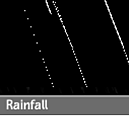 |
Rainfall Use Number and Speed to trigger the amount of rain. Colour correct the white media’s Front, and set rain_generator Transparency to improve blending. Use gravity's Rotation_Y to make it windier. |
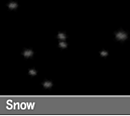 |
Snow Use Number, Size, and Speed for characterizing the snow. |
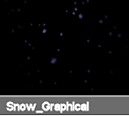 |
Snow_Graphical Use Number, Size, and Speed for characterizing the snow. Play with lighting. |
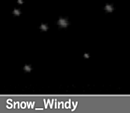 |
Snow_Windy Use Number, Size, and Speed for characterizing the snow. Try with wind’s Magnitude and axis animation to mimic the wind. |
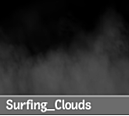 |
Surfing_Clouds Flying into the clouds. Use gravity's Rotation_X expression to stay above clouds, or dive into them. |
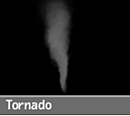 |
Tornado Use Magnitude in the size manipulator to scale the tornado. Use Magnitude and Power in the twist manipulator to alter the shape of the tornado. |
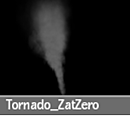 |
Tornado_ZatZero Same as Tornado, but with emitter Z=0. |