
September 2025 | Project Admins can now move a database to another project, provided that they are Admin or have an Editor role on the destination project.
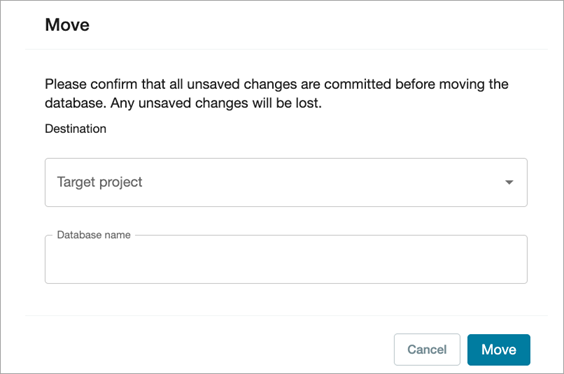
The application will report an error when you try to move a database to a project where you have Reader or Viewer access.
This feature is accessed by selecting the Move option in a database row. A window will open where you can specify the Target project and Database name. The Database name must be unique, otherwise the application will report an error.
The moved database will appear in the Active tab in the Database Management page of the destination project.
The application will send notifications at the beginning of the process, at the end of the process when the database has been moved successfully across another project, or when there is a failure (the database could not be moved and would remain it its original location).

See Move a database across projects for additional information.